




















ALL of these products are in the exclusive bundle:


Landscape Photography Secrets Bundle



$
297.00
Included in the Main Bundle!
Landscape Photography Secrets Bundle
Tim Shields
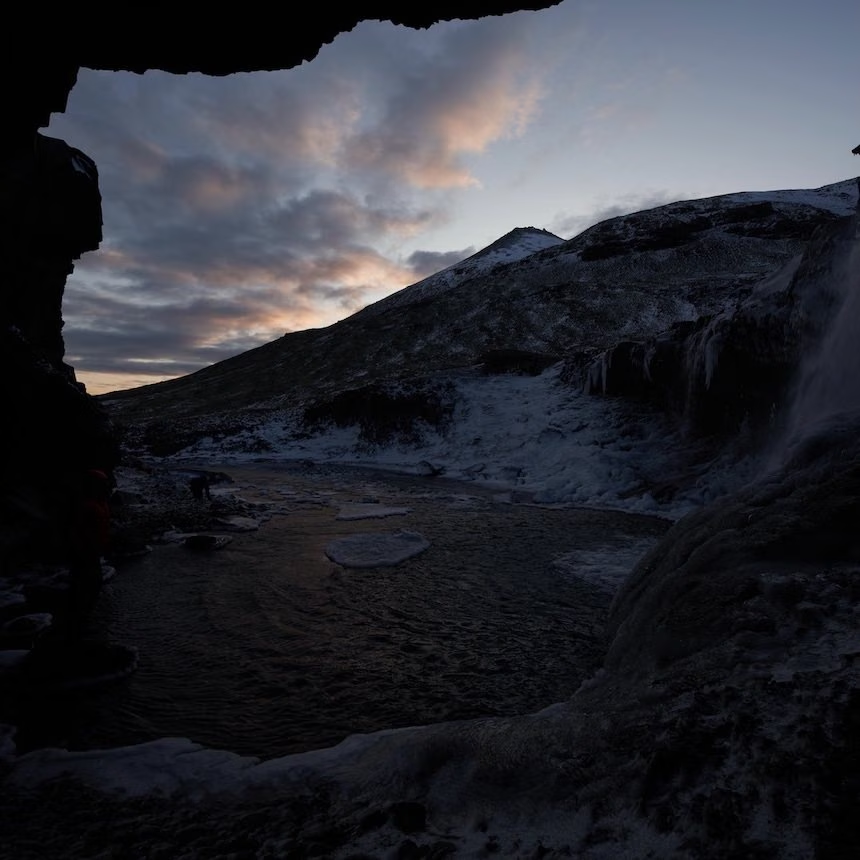
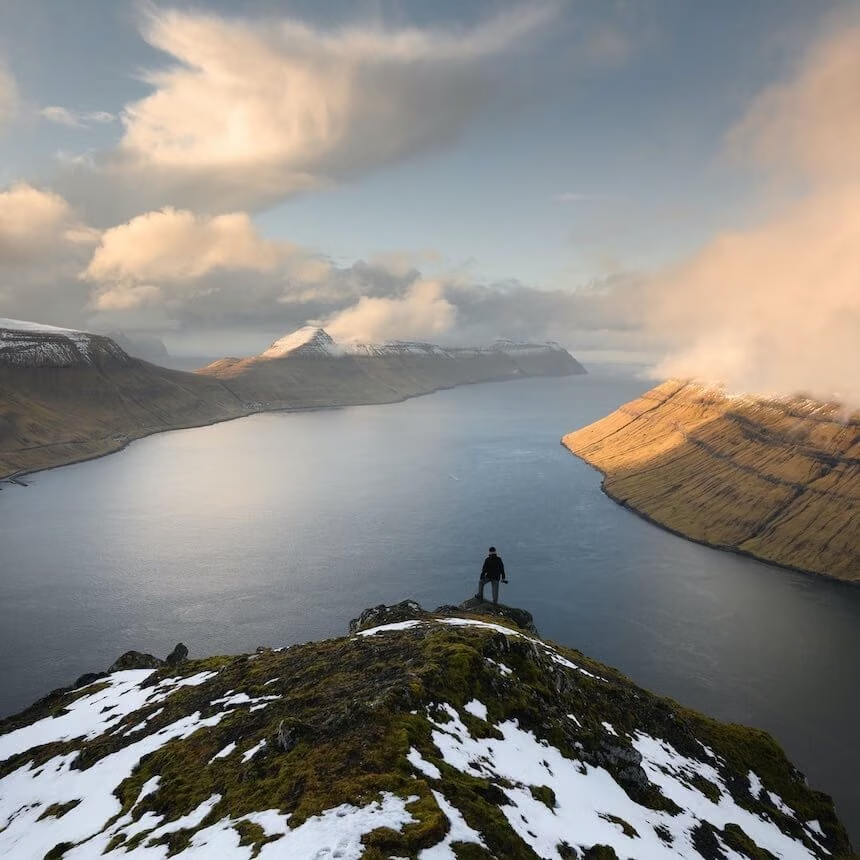
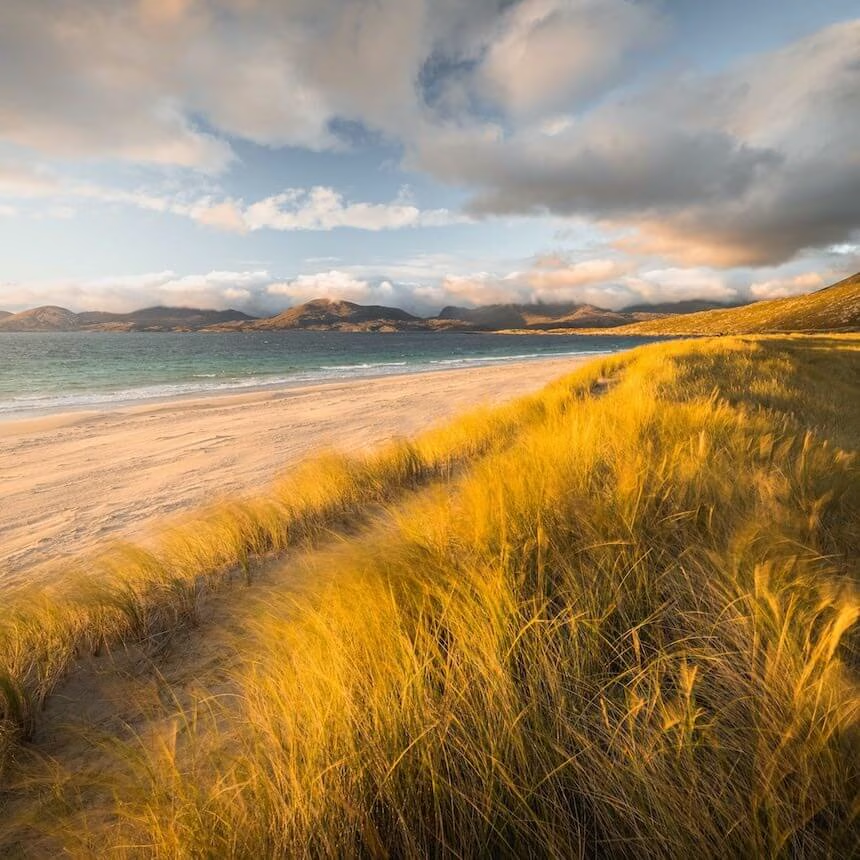
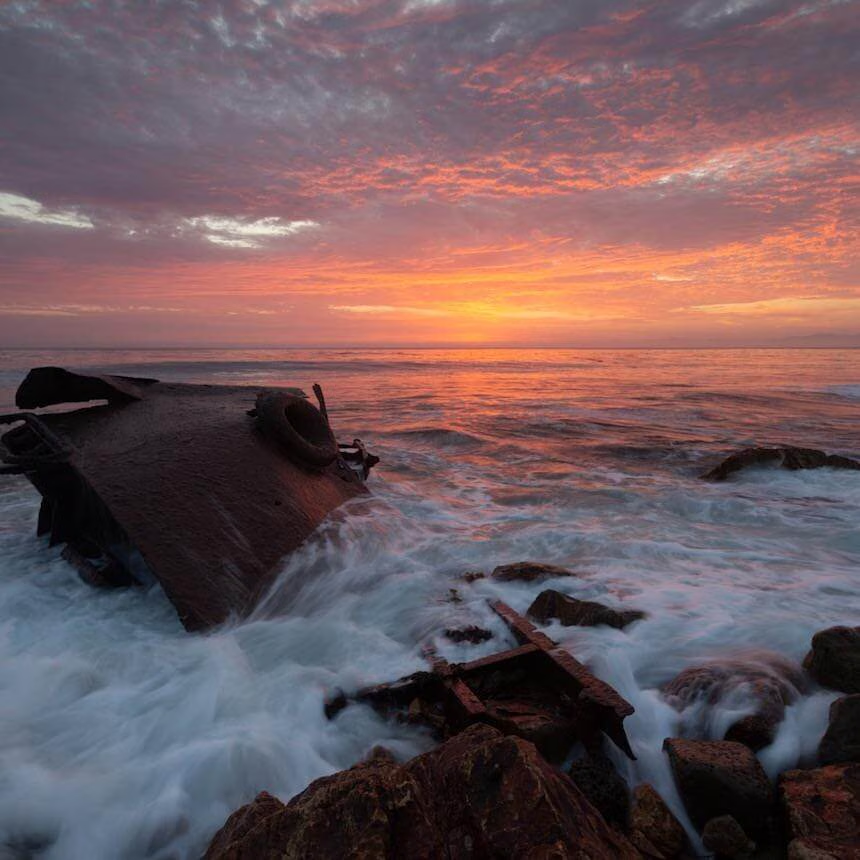
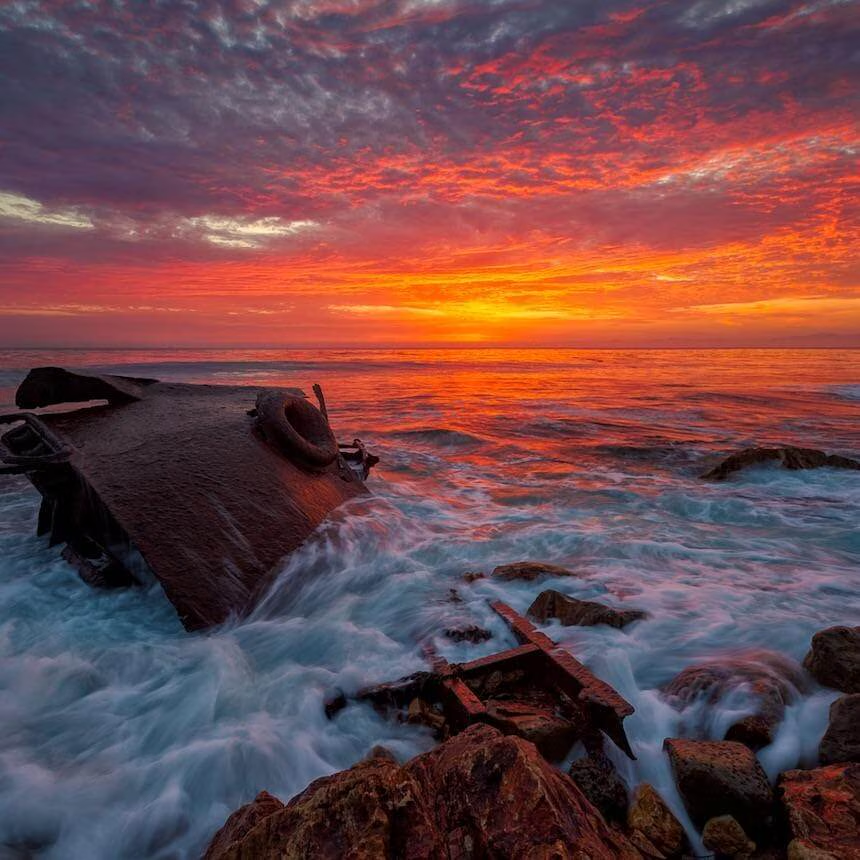
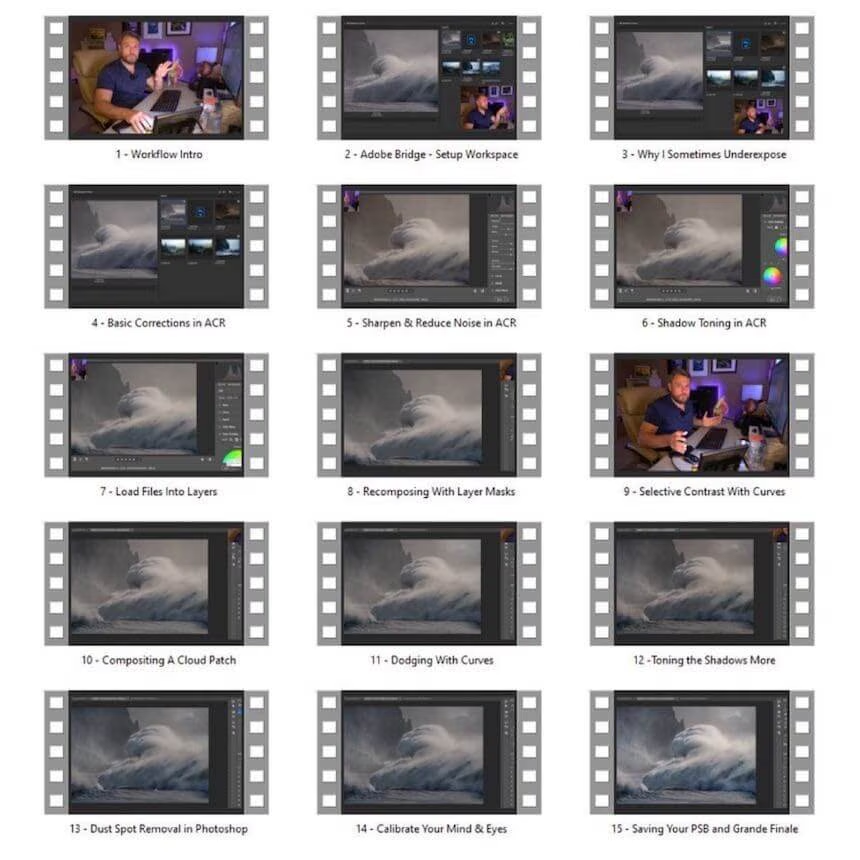
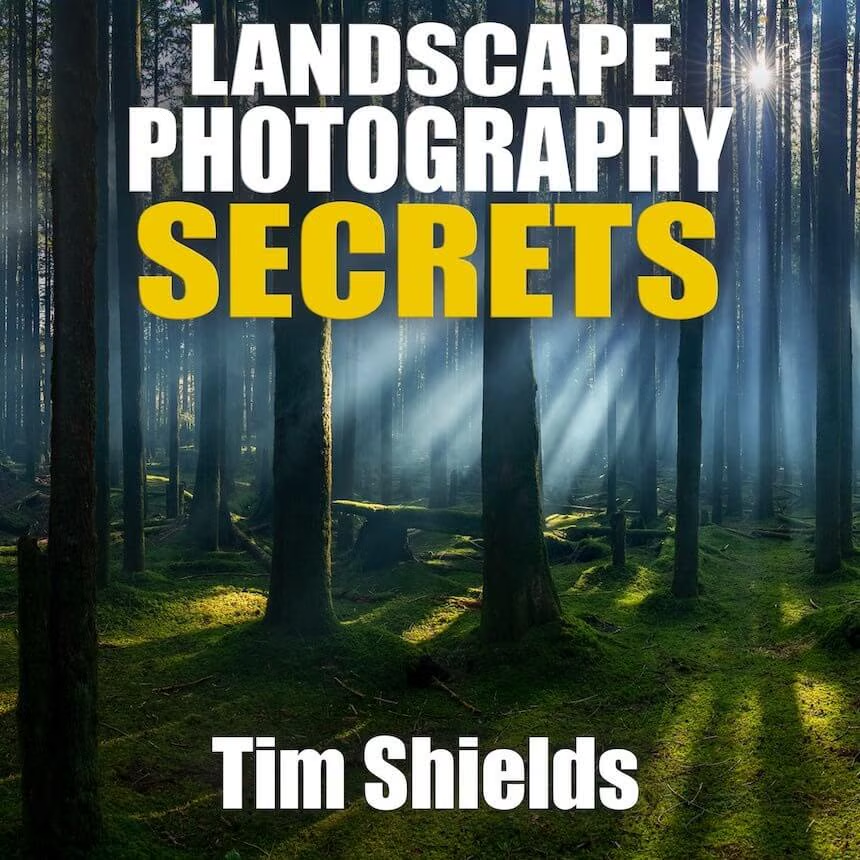
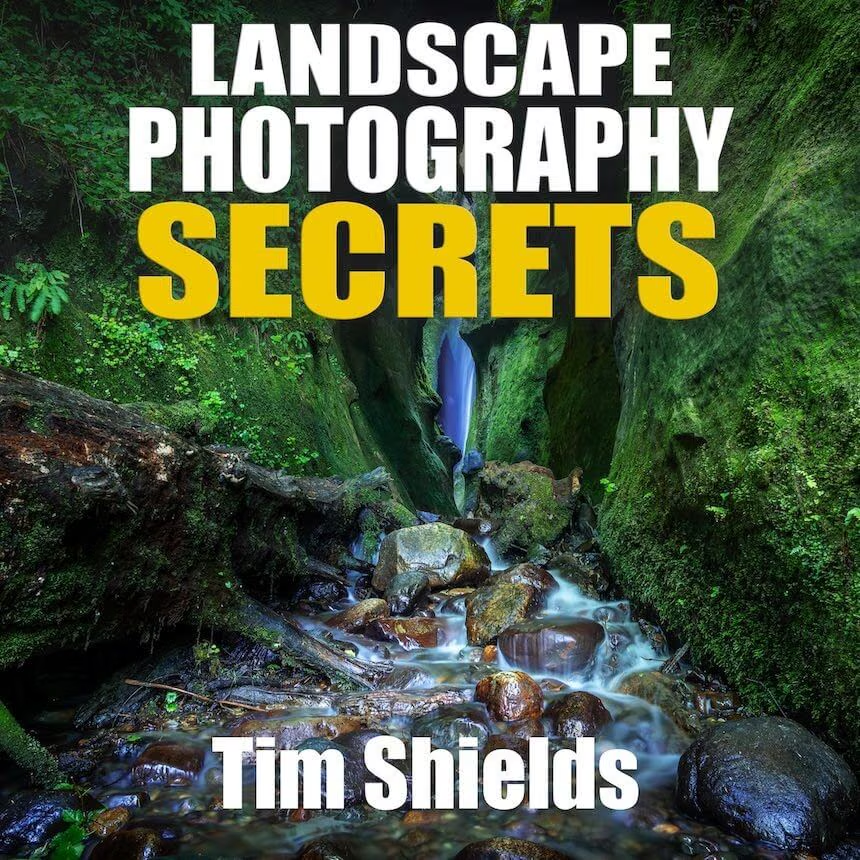
Tim takes you into the field as he chooses a composition, sets up the camera, takes the photo, and then retouches it in the studio.



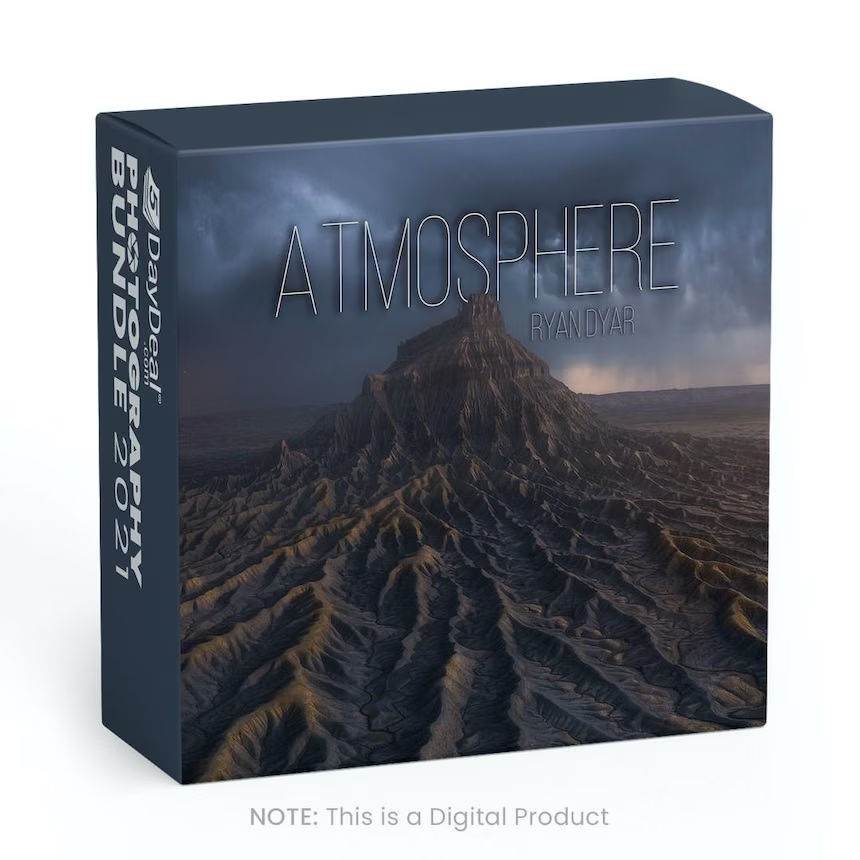
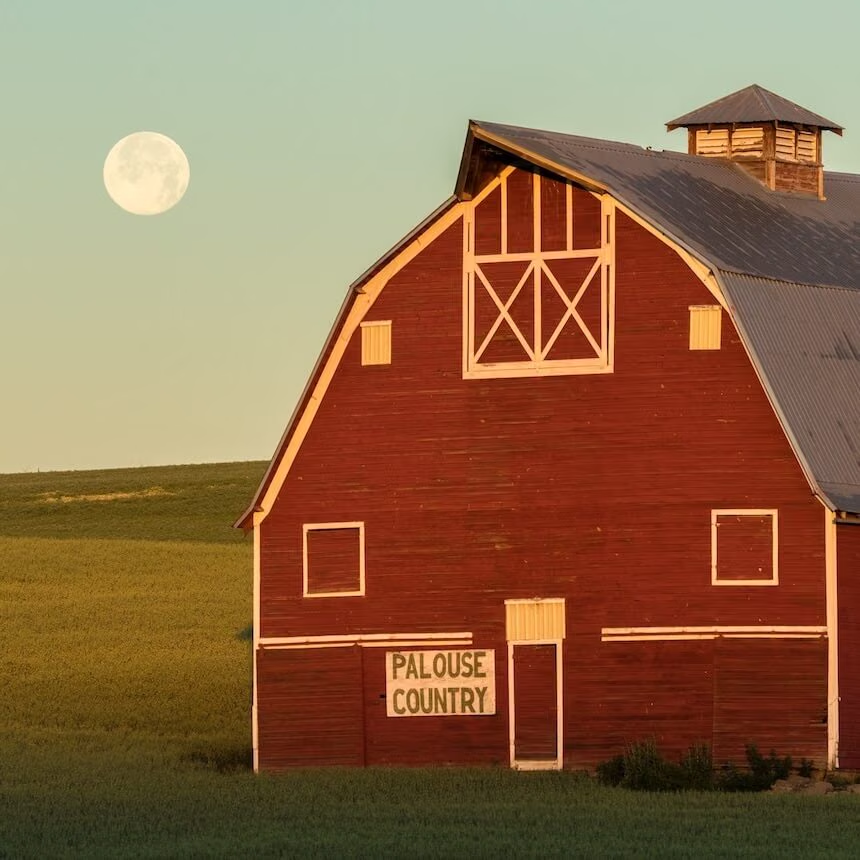
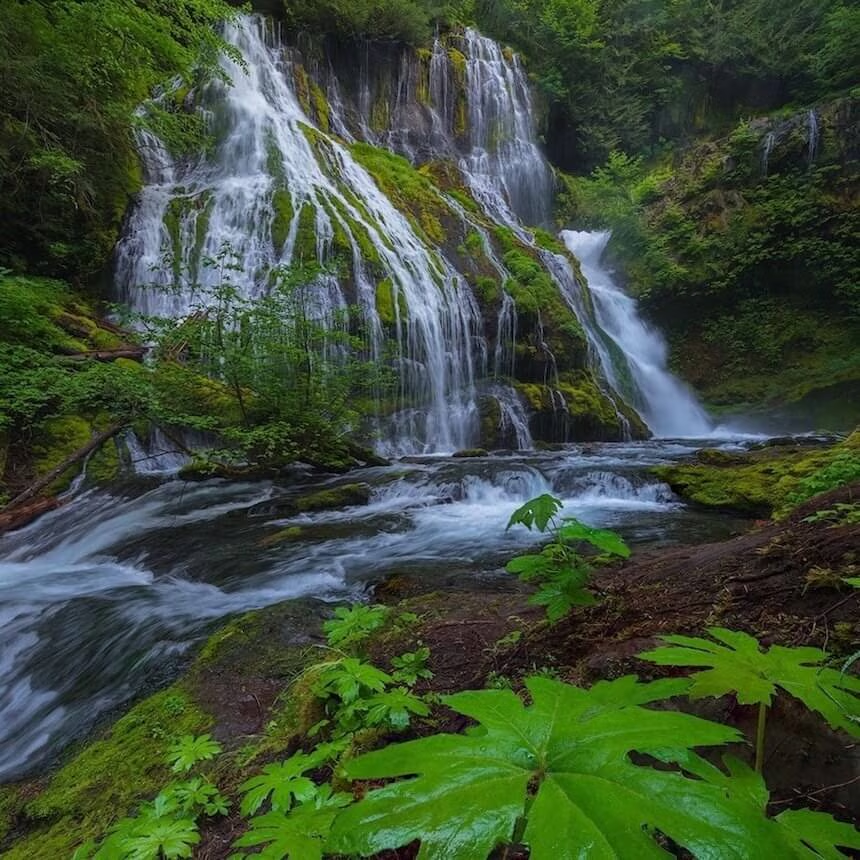
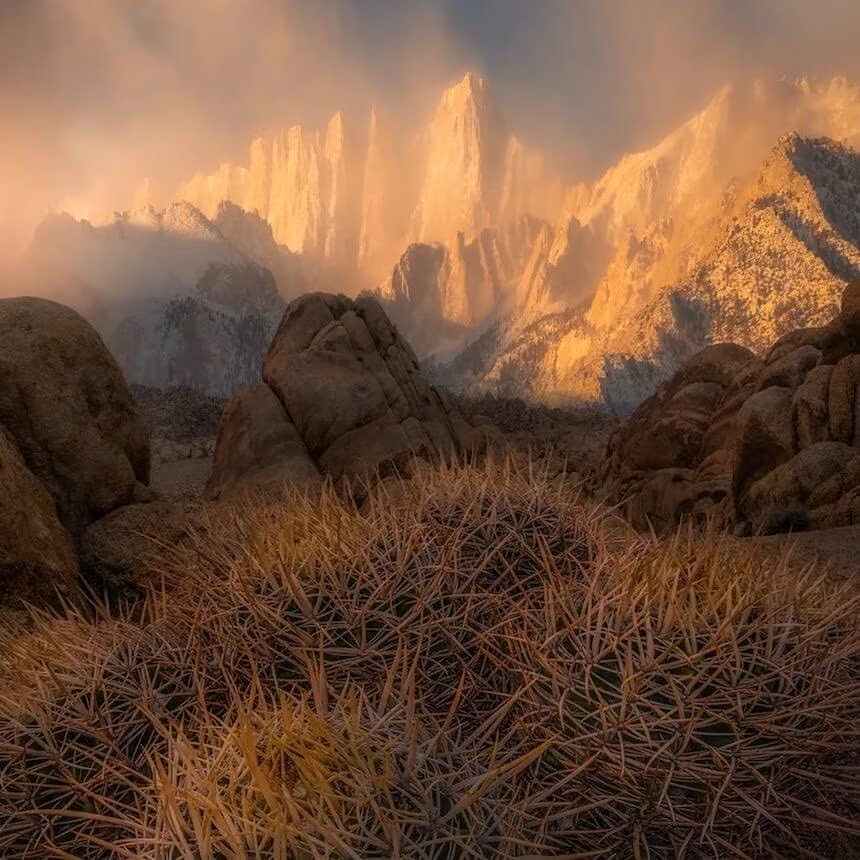
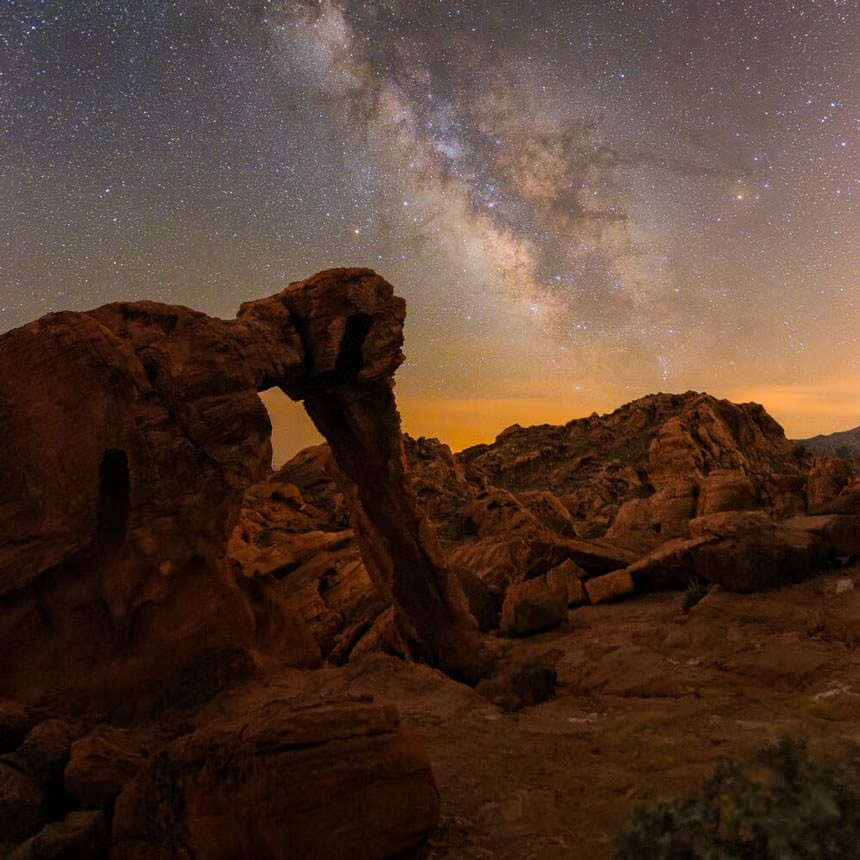
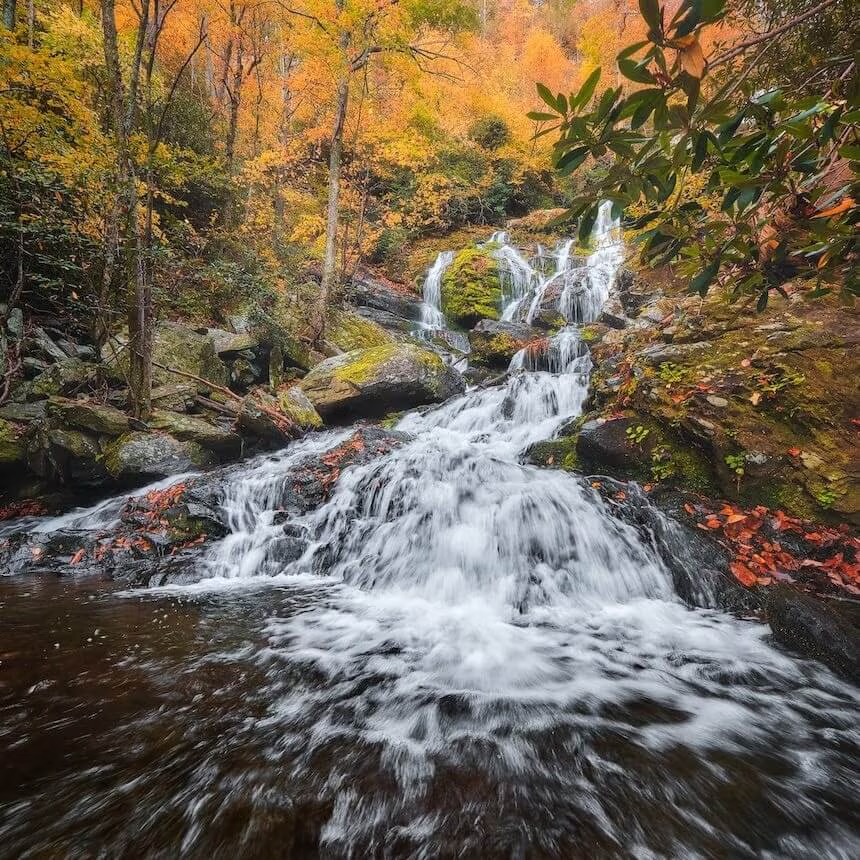
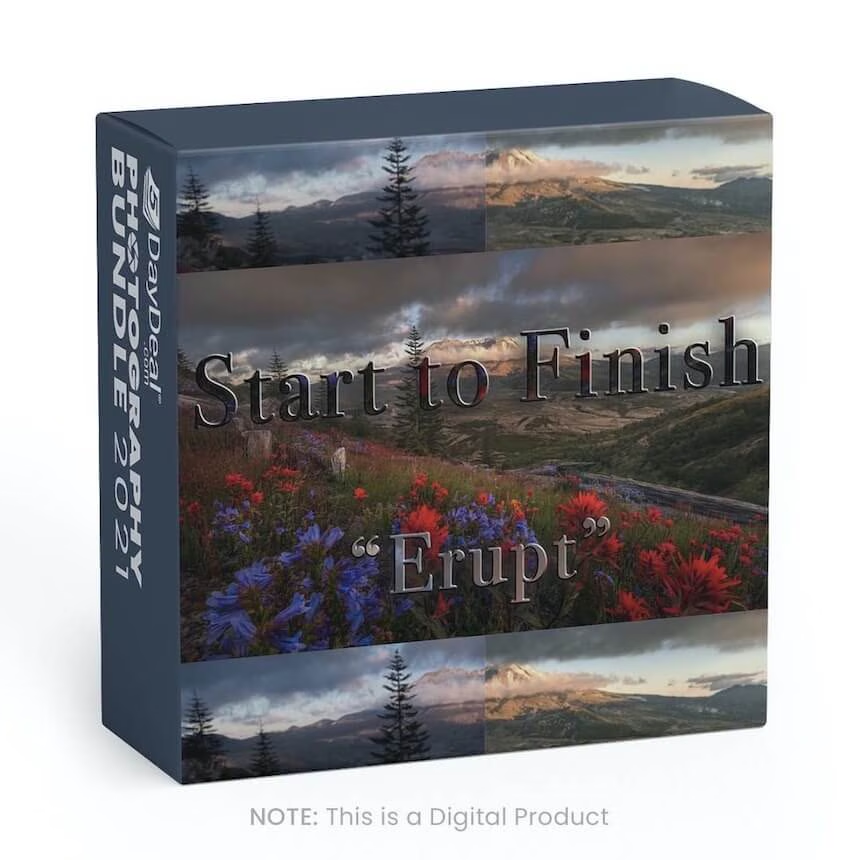
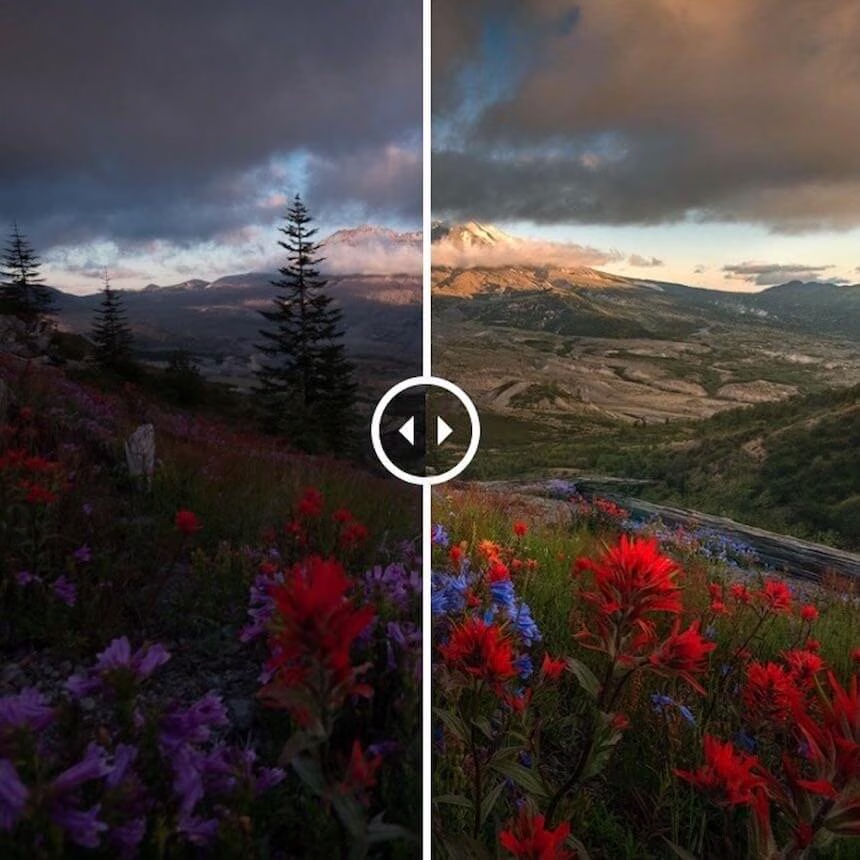
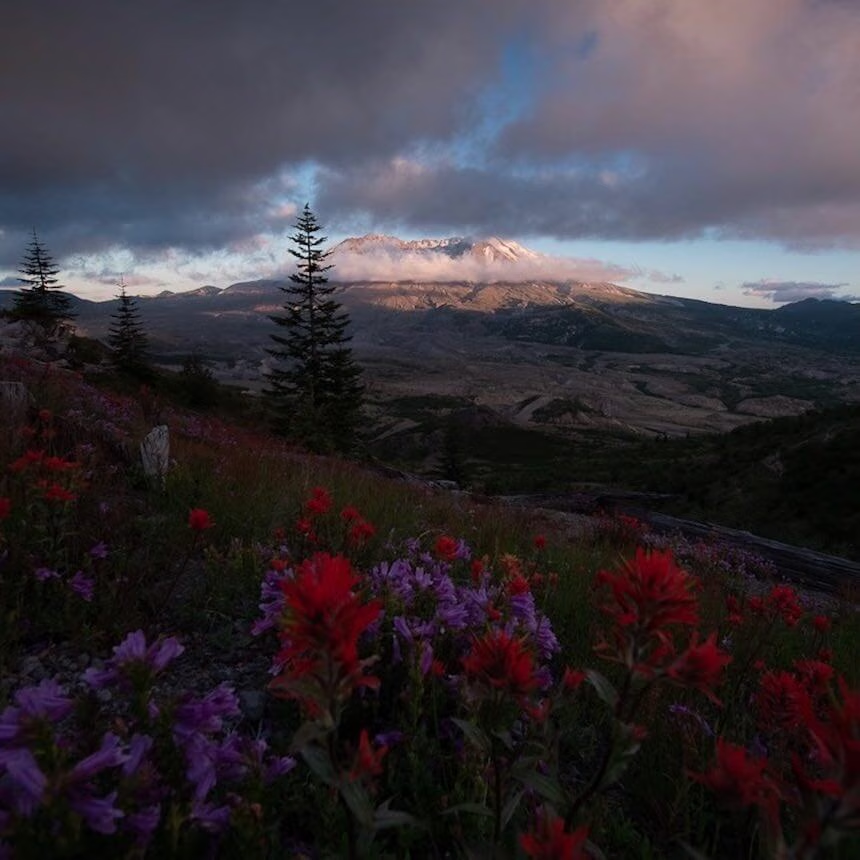
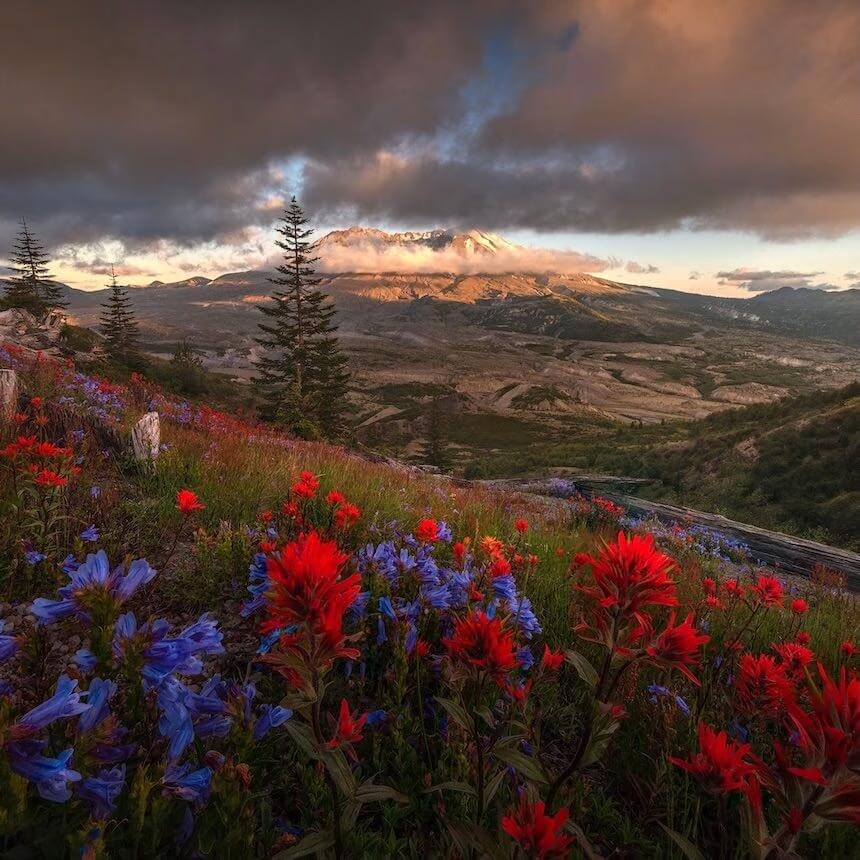
These six classes are bite-sized so you can watch each one in a single sitting. Each class is between 20 - 40 minutes long. They show you the step-by-step process used to capture the photo on the box cover starting in the field with composition and camera settings. Finally, the bundle progresses to moving into the studio so you can learn how the post-processing was done.
1 Year SlickPic Portfolio Account (For NEW Customers Only)
Effortlessly build your own portfolio website





$
155.40
Included in the Main Bundle!
1 Year SlickPic Portfolio Account (For NEW Customers Only)
SlickPic
Build a stunning portfolio website to “wow” your friends and attract clients. Store and share all your photos online in one central place.



Get exclusive access to our Portfolio account FREE for 1 year ($155.40 value). This offer is available for new accounts only. The Portfolio account allows you to build a stunning photography website to “wow” your friends or attract clients, upload images and videos, and share your photos securely or publicly with the world.
About SlickPic:
We’ve been helping photographers get their photos online since 2010. We provide various membership plans with various sets of functionality, tools and services: portfolio websites, photo hosting and sharing (including built-in privacy settings), real time watermarking, RAW file support, private sharing, guest photo uploads, and plug-ins for popular photo editing software. We even provide complimentary web design services for our higher level memberships.
KelbyOne Bundle


$
111.00
Included in the Main Bundle!
KelbyOne Bundle
KelbyOne
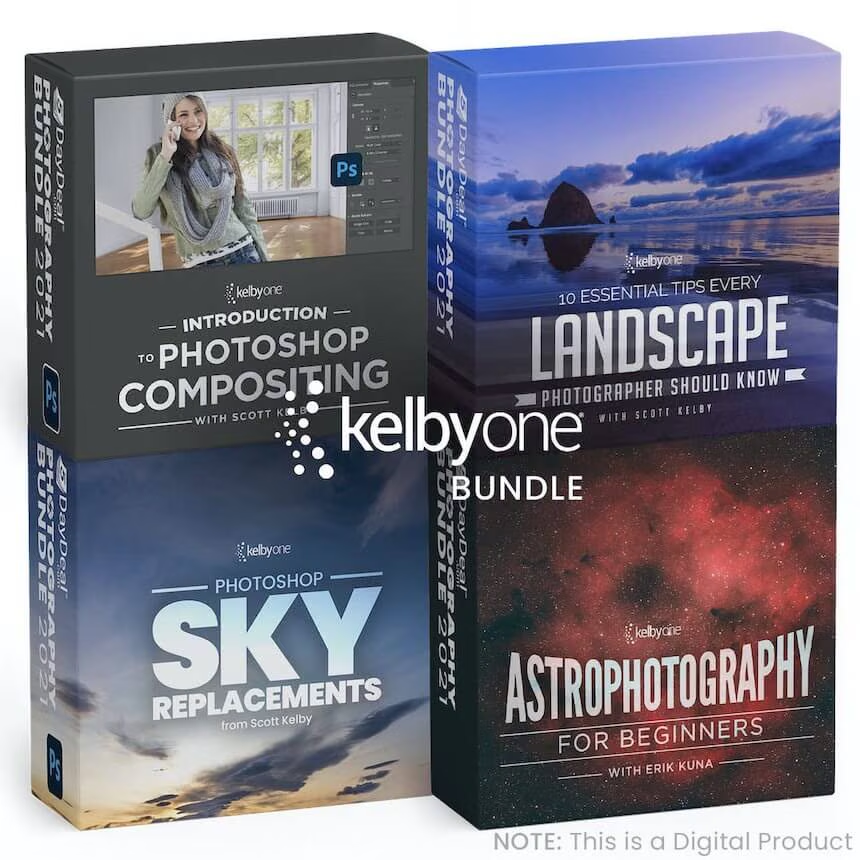
This KelbyOne Bundle will include four products covering: Intro to Composition, Landscape, Sky Replacement, & Astrophotography.


This KelbyOne Bundle will include four products:
- Introduction to Compositing in Photoshop - $29
- 10 Essential Tips Every Landscape - $29
- 12 Photoshop Sky Replacement Images - $24
- Astrophotography for Beginners by Erik Kuna - $29
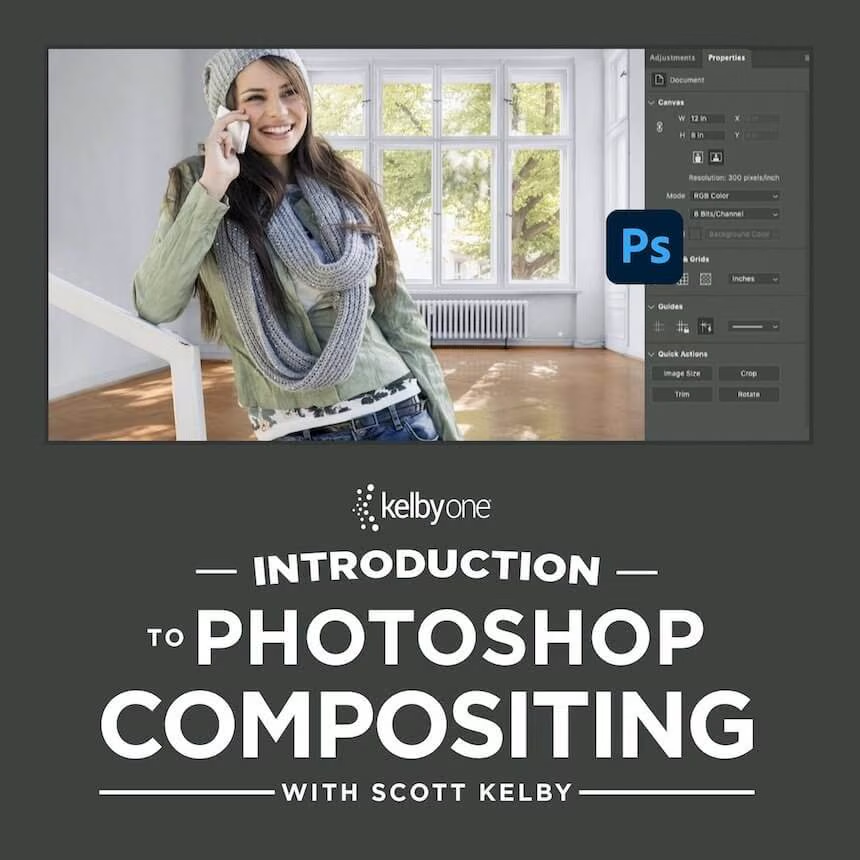
*Introduction to Compositing in Photoshop *
Compositing has never been more popular than it is today, and thanks to Photoshop’s tools, it’s never been easier. In this class, Scott will teach you how to make great selections, match the direction of light, hide edge fringes, add shadows, unify all of the images, and all the other key techniques for creating amazingly realistic composites.
10 Essential Tips Every Landscape
Join Scott Kelby on the amazing Oregon coast and learn everything you need to know to create the best landscape photos you’ve ever taken! There are 10 essential tips that every landscape photographer needs to know, from the right gear and how to use it, to knowing how to prepare before you go and what to do when you are there. As a landscape photographer, you want to be able to show people not only what you saw, but how it made you feel when you were there, and with these essential tips, all demonstrated on location, you’ll be able to bring home the kind of images you’ve always dreamed of making.
12 Photoshop Sky Replacement Images
Take your photos from boring to exciting with 12 of Scott Kelby’s best sky photos. These photos can be used in Photoshop’s Sky Replacement feature.
Astrophotography for Beginners by Erik Kuna
Expand your photographic horizons with telephoto astrophotography! Join Erik Kuna in this astrophotography course with a focus on photographing nebulas, star fields, the moon, and the planets from a beginner’s perspective. You probably have all the gear you’ll need (except for a star tracker), and Erik will take you through the fundamentals to get you out shooting. In this class you’ll learn the terms and considerations for deep sky astrophotography, the importance of starting simple, how to select a star tracker, planning for the weather and moon phases, focusing for sharpness, mastering exposure, dealing with light pollution, stacking final images, and so much more!
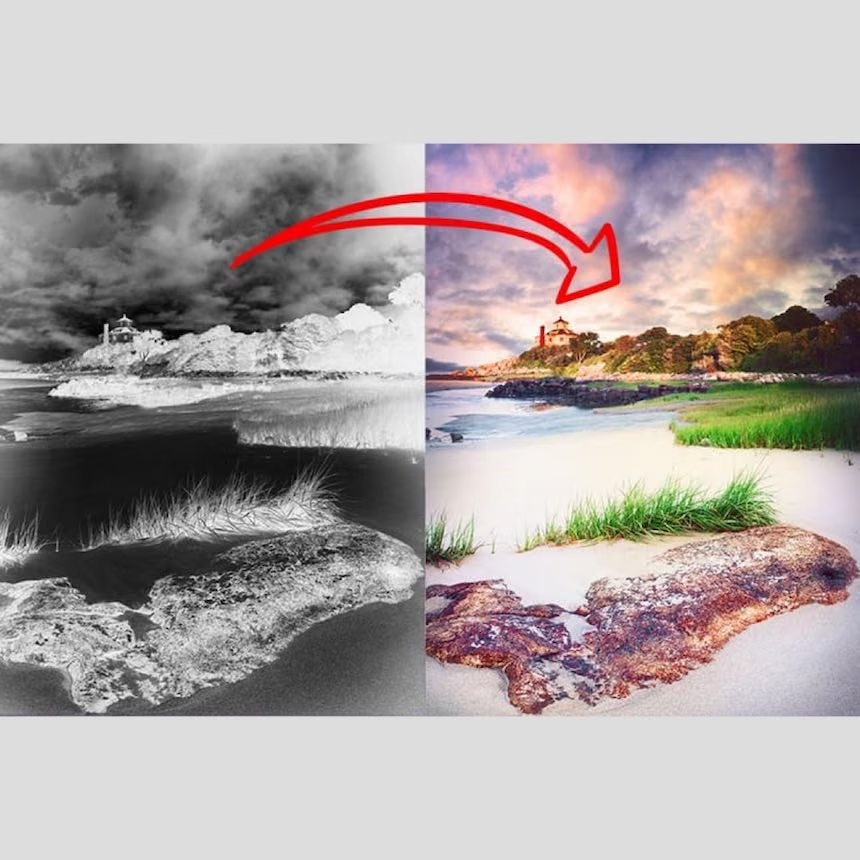
Mastering Luminosity Masks II
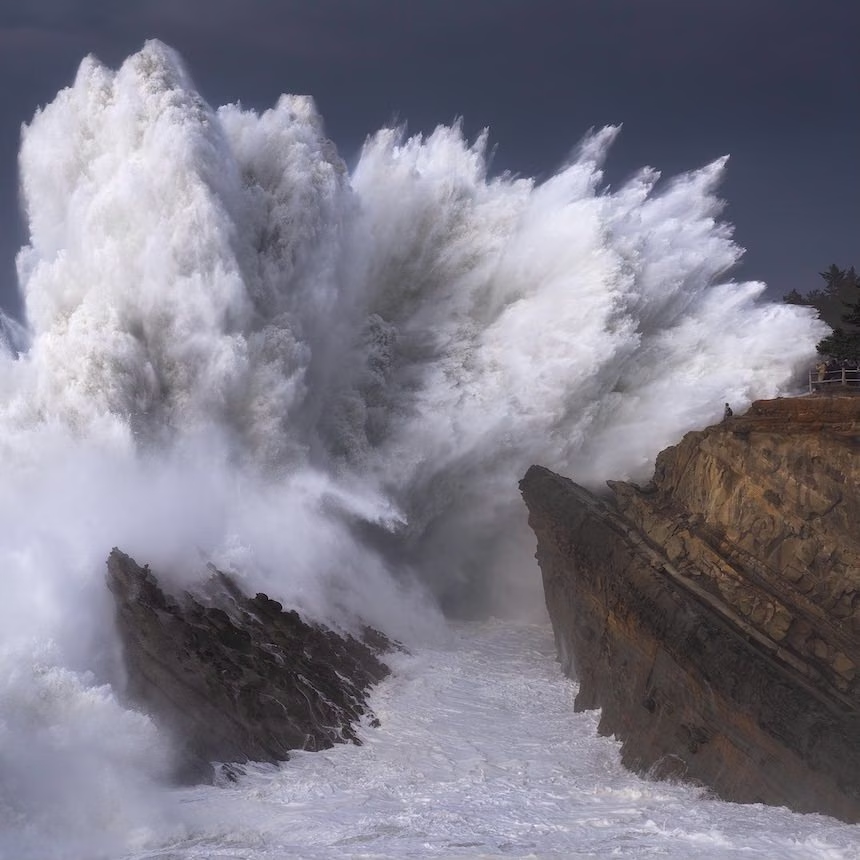
Everything you need to know about using Luminosity Masks in a landscape photography workflow



$
59.00
Included in the Main Bundle!
Mastering Luminosity Masks II
Nick Page
Everything you need to know about using Luminosity Masks in a landscape photography workflow.


Everything you need to know about using Luminosity Masks in a landscape photography workflow.
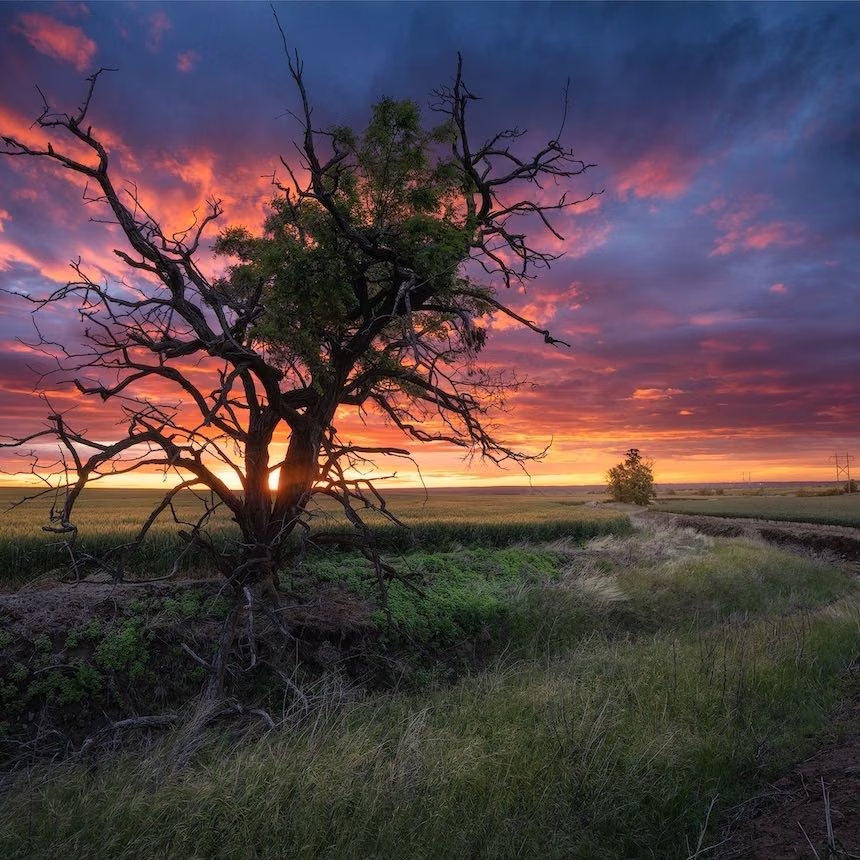
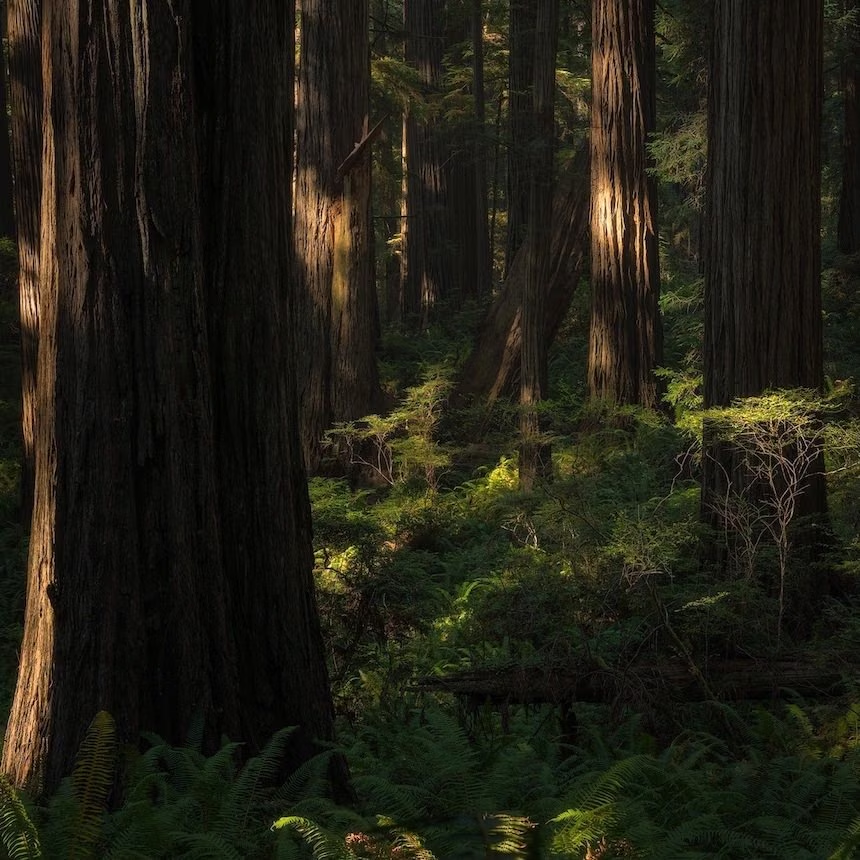
Luminosity Masks are one of the most powerful tools we have available to us in Photoshop. In this course, you're going to learn how to create them, how to manipulate them, and most importantly, how to put them to work.
Covered in this course:
- Creation tools and methods
- Altering Luminosity masks
- Exposure blending using Luminosity masks
- Exposure blending difficult scenes using Luminosity masks
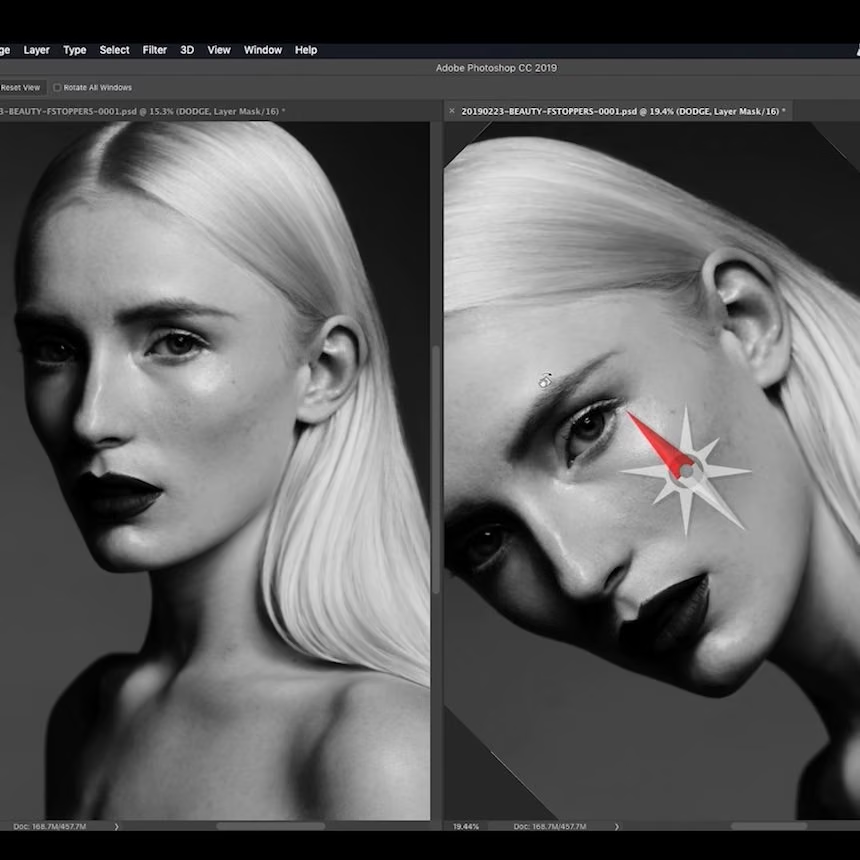
- Dodging and Burning using Luminosity masks
- Adding selective contrast using Luminosity masks
- Creating Depth using Luminosity masks
- Managing messy scenes using Luminosity masks
- Dual Processing using Luminosity masks
The total runtime of this course is just over 2 hours over 10 videos.
Please note: This course is Streaming Only
Lumenzia
Luminosity Masking Panel for Photoshop


$
39.00
Included in the Main Bundle!
Lumenzia
Greg Benz
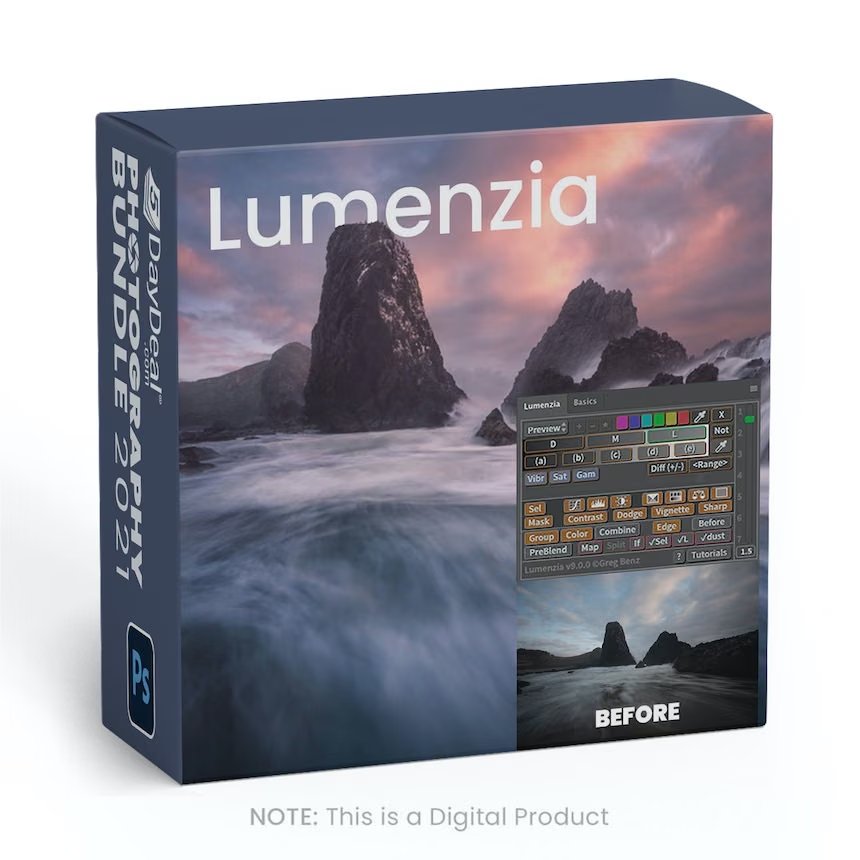
Lumenzia's advanced JavaScript engine handles all the luminosity masking complexity for you, so you can think about making beautiful images.
Luminosity masks allow you to create gorgeous and realistic edits in Photoshop. Lumenzia allows you to use use them quickly and easily. Its advanced JavaScript engine handles all the luminosity masking complexity for you in the background, so all you need to think about is making beautiful images.
Lumenzia features:
- Streamlined workflow and completely custom masks
- Sliders to easily customize the perfect luminosity mask
- BlendIf and Vector masks (to save significant file space and avoid the need to update masks)
- Ability to see and edit luminosity selections just like a layer mask
- Add, subtract, or intersect any mask or selection for advanced control
- Color masks (select by color and/or luminosity, visually)
- Local Contrast Enhancement (easily and automatically bring out more detail)
- Live masks (see the blended result immediately and try different masks)
- Zone masks for precise refinement
- Zone and Range pickers (select the right mask visually by clicking on the image)
- Zone maps to visualize the image in zones 0-10 or show blown highlights/shadows
- “Lighter/Darker” masks (select pixels relative to surrounding pixels)
- Edge and Surface masks for halo removal and avoiding sharpening noise.
- Refine masks to specific locations or colors in the image
- Combine masks (merge group masks to save space and see exactly what is masked)
- Advanced dodging and burning: revise dodge color/brightness, visual editing
- Support for paths, to facilitate use of luminosity masks with hard edges in architecture
- Split-screen to see the mask and image simultaneously
- “PreBlend” to automatically stack, align, and sort exposures for blending
- 32-bit masks and automatic grayspace optimization for the ultimate quality
- Save files >4GB which can be viewed in Lightroom
- Custom vignettes
- Non-destructive sponge tool (advanced saturation painting)
- Saturation masks (color-specific vibrance control)
- Apply or replace masks on existing layers with a single click
- Luminosity and dust visualization tools to easily find and fix defects
- Advanced sharpening methods for portraits (surface blur) and landscape (high pass)
- Recordable actions to include light and dark masks/selections in your own actions.
- Training and support videos, as well as a comprehensive written manual
Luminar AI Magic
The Ultimate Guide To Luminar AI




$
99.00
Included in the Main Bundle!
Luminar AI Magic
Piet Van den Eynde
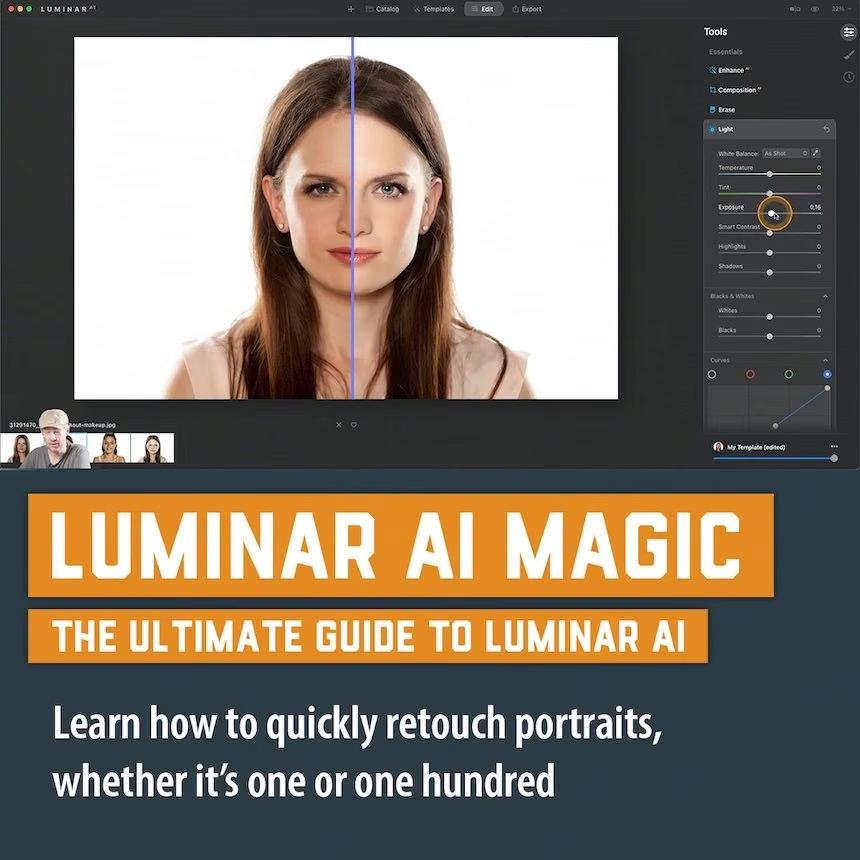
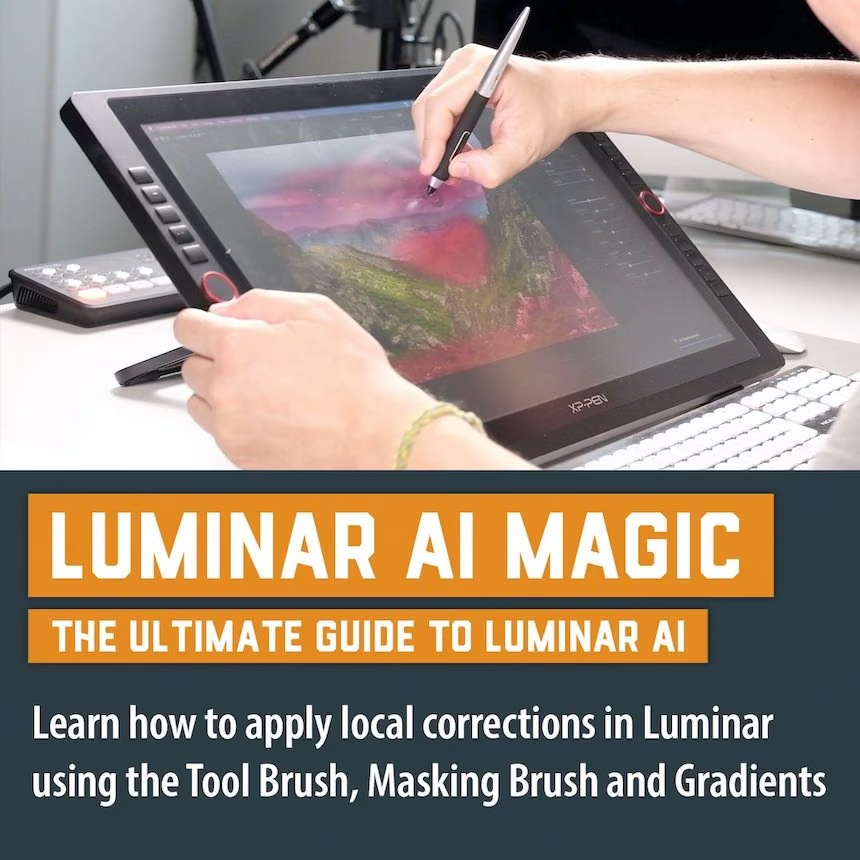
Luminar is a revolutionary photo management, editing and processing tool. Luminar AI Magic is the ultimate course to learn it.

Luminar AI is a highly intelligent photo editor that harnesses the power of Artificial Intelligence to make tedious jobs like skin softening or replacing a sky a breeze. Luminar AI can be used both as a plug-in for Photoshop and Lightroom Classic , as well as a standalone application, making it one of the most affordable and interesting alternatives to the latter.
In this downloadable, 5.5 hour course, Lightroom Certified Expert and Luminar AI Power User Piet Van den Eynde, guides you through the Catalog, Template, Edit and Export sections of Luminar AI. Piet gives expert advice on how to set up Luminar and get the most from its 50+ tools.
A must-view are the 6 start-to-finish editing sessions, in which Piet shows you how to put Luminar's AI-driven and standard tools to good use.
In a special bonus chapter, he covers advanced examples you would never deem possible. Whether you're a portrait or a landscape photographer, Luminar AI is a tool that will tremendously speed up your workflow and this course is your best companion to show you how.
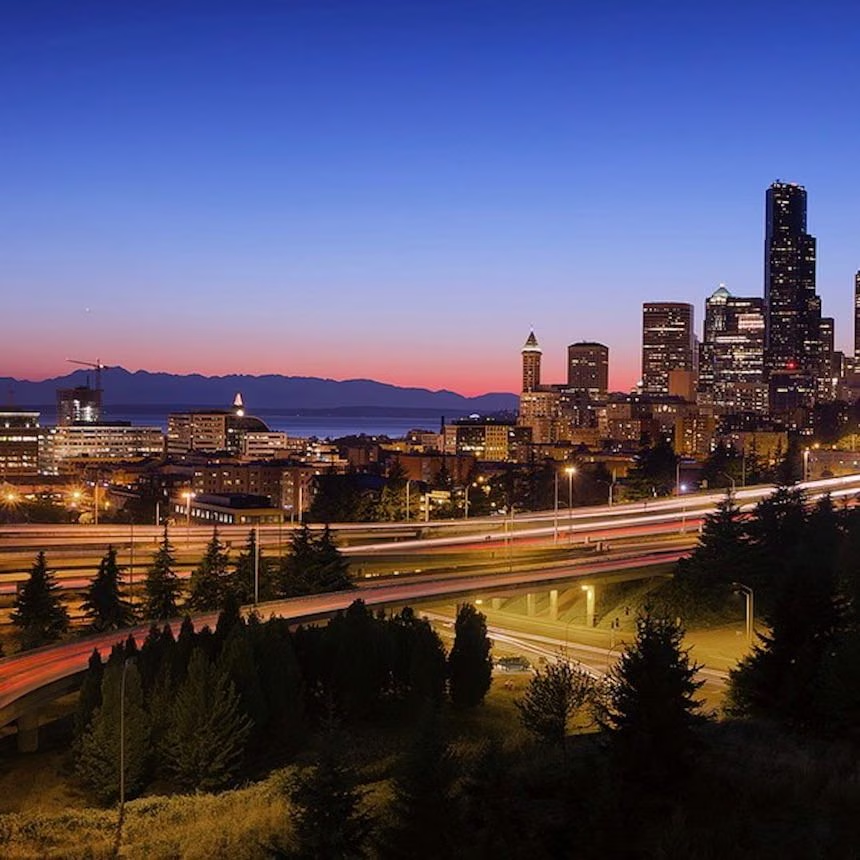
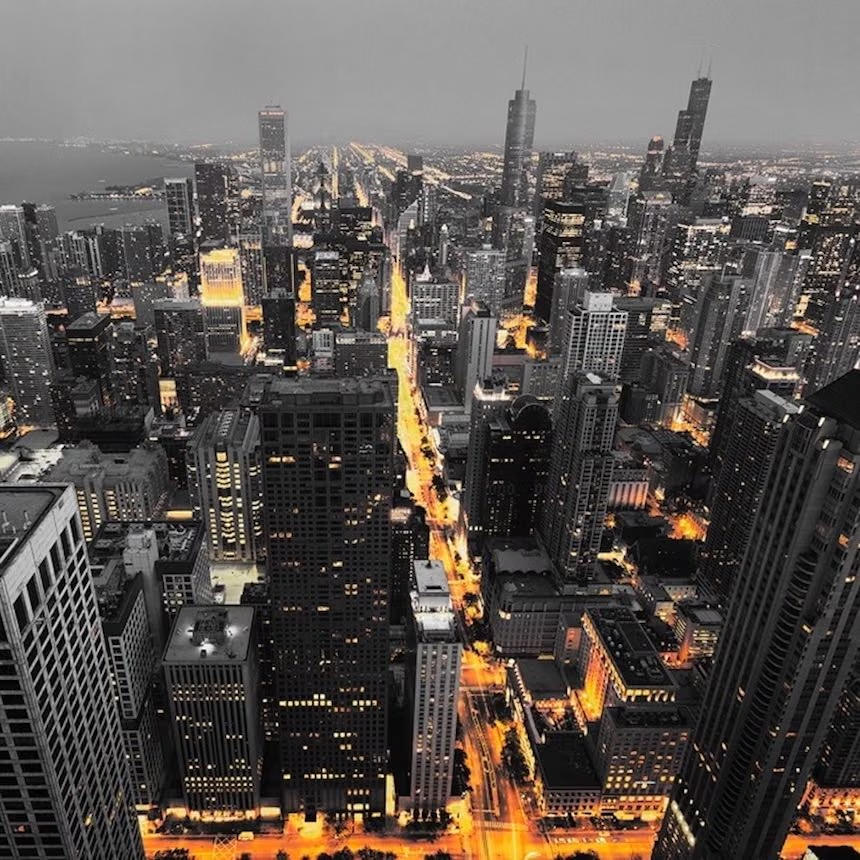
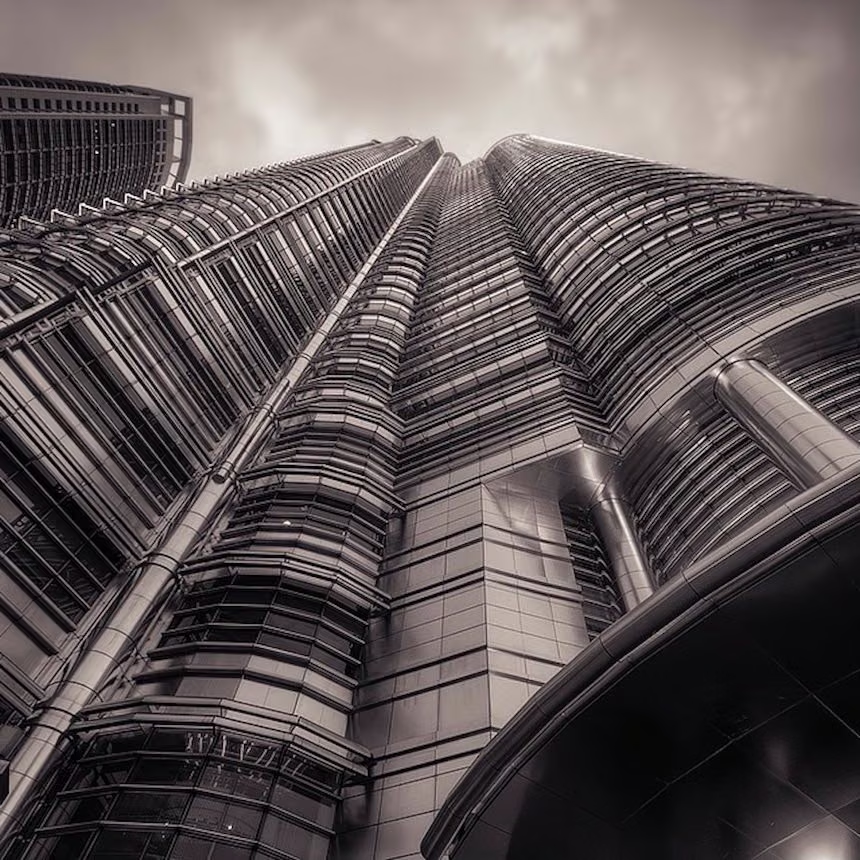
The Art of the City Photography

$
69.00
Included in the Main Bundle!
The Art of the City Photography
Jimmy McIntyre
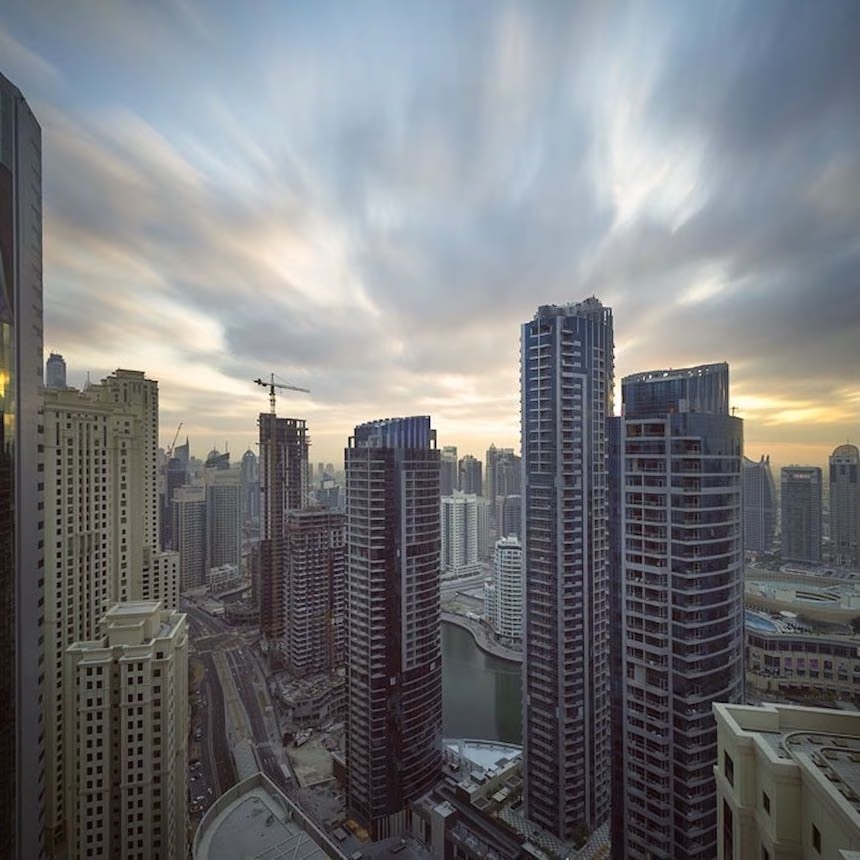
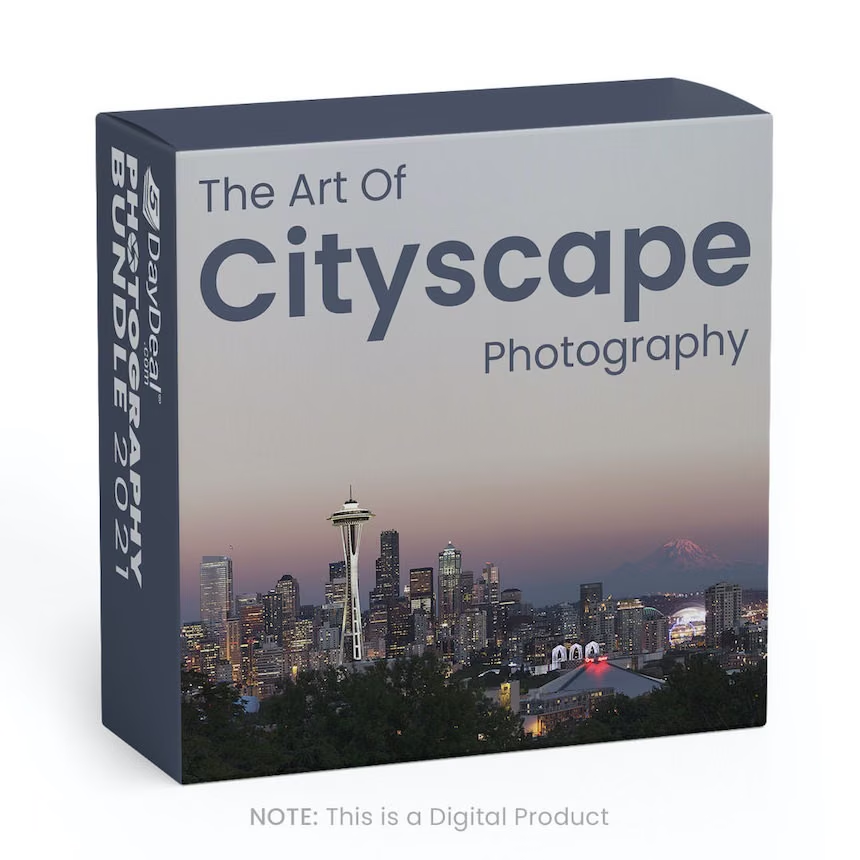
The world's most comprehensive urban landscape tutorial.
Create fresh and charming city scenery.
The view of your city will surprise your followers and businesses.
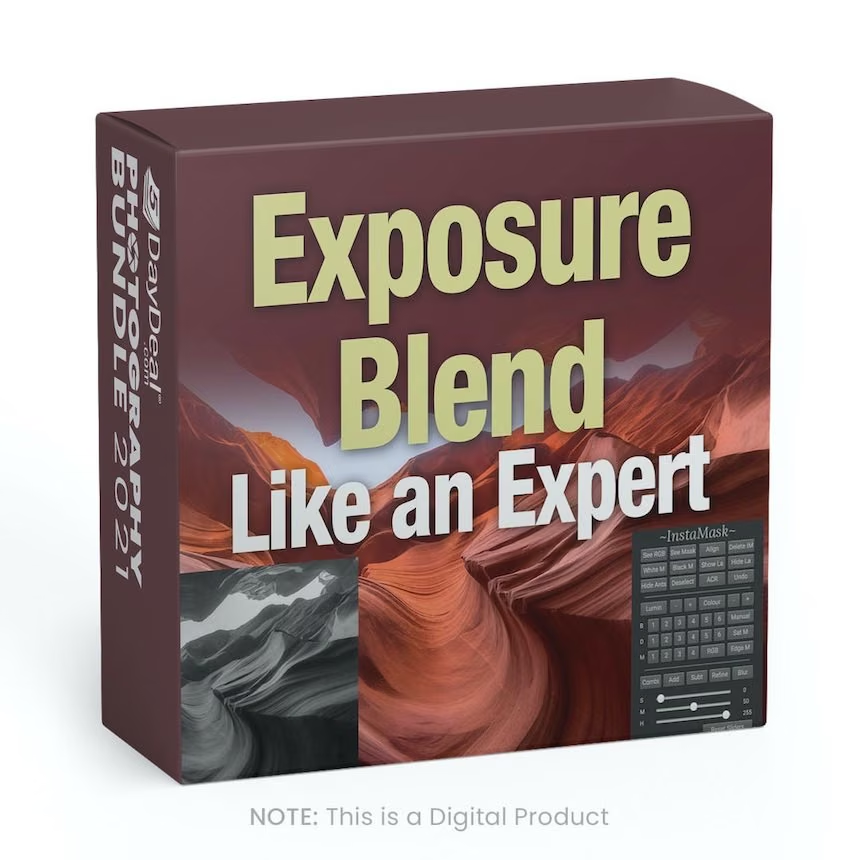
Learn 3 incredible exposure blending techniques.
The world's most comprehensive urban landscape tutorial.
Master 100% non-destructive Photoshop workflow.
7 complete workflows included for instant download.
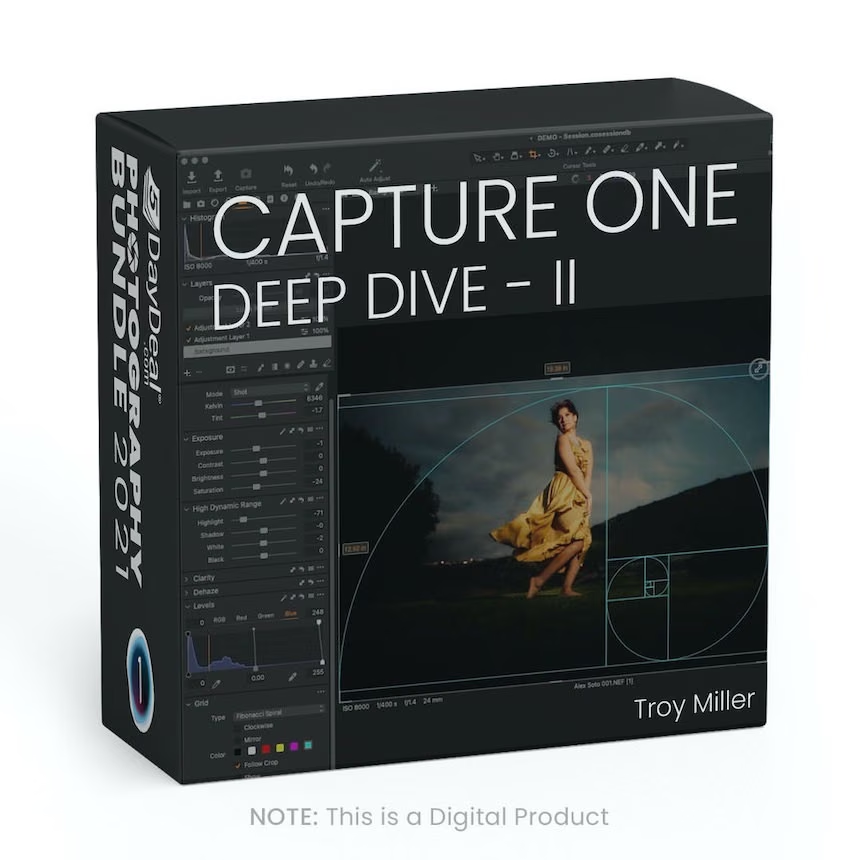
Capture One Deep Dive II - with Troy Miller
Take A Deep Dive into Capture One



$
197.00
Included in the Main Bundle!
Capture One Deep Dive II - with Troy Miller
This Week in Photo - TWiP
With 4+ hours of instruction spanning basic setup to advanced use of layers and more, this course has something for every level.

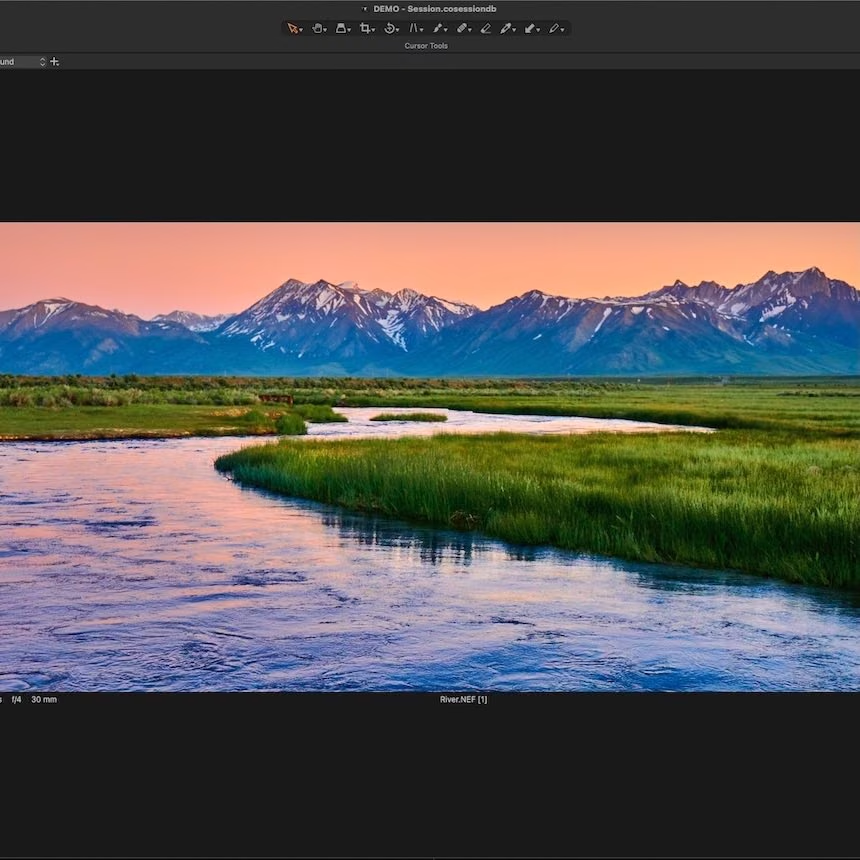
A deep dive into Capture One will enhance your ability to be more creative and productive by understanding how Capture One manages and tunes your images.
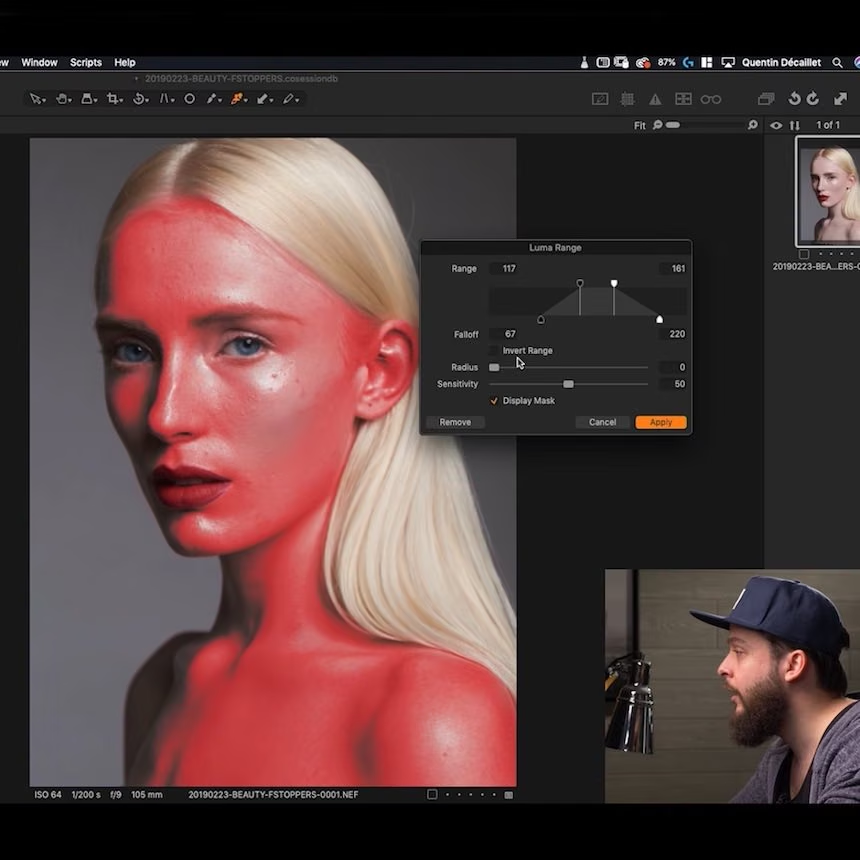
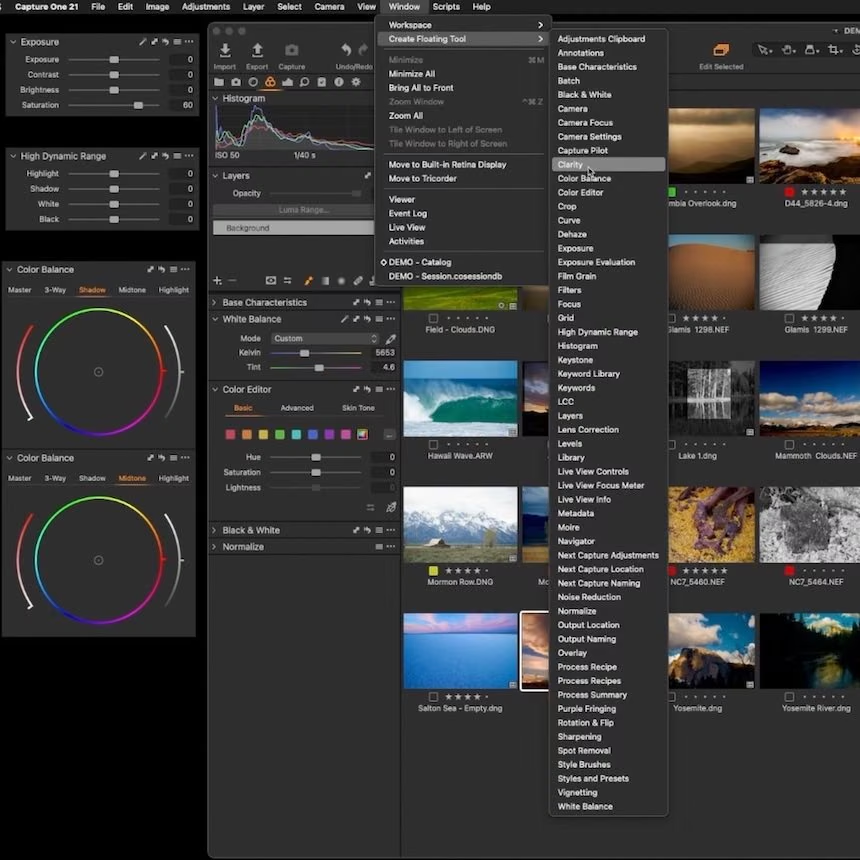
With over 4 hours of instruction, spanning basic setup to advanced use of layers, luma masking, color grading, and more, this course has something for every skill level.
Troy will also cover file organization, preference settings, workspace customization, and how they apply to a smooth workflow in both a Catalog and Session workflows.
Throughout the course, Troy will demonstrate editing techniques as he would use with his client and fine art images to give you a better understanding of real-world applications.
In addition, Troy has added 30min of "Watch Me Work" sessions where he will demo how to edit a real estate, engagement, and landscape image to show the techniques and resources in context.
Troy has also included a selection of his custom Styles, Style Brushes, Workspace, and Export Recipes to make sure you get off to a great start.
Mastering Black and White Landscape Photography
From the field to the final photo



$
79.00
Included in the Main Bundle!
Mastering Black and White Landscape Photography
Mads Peter Iversen
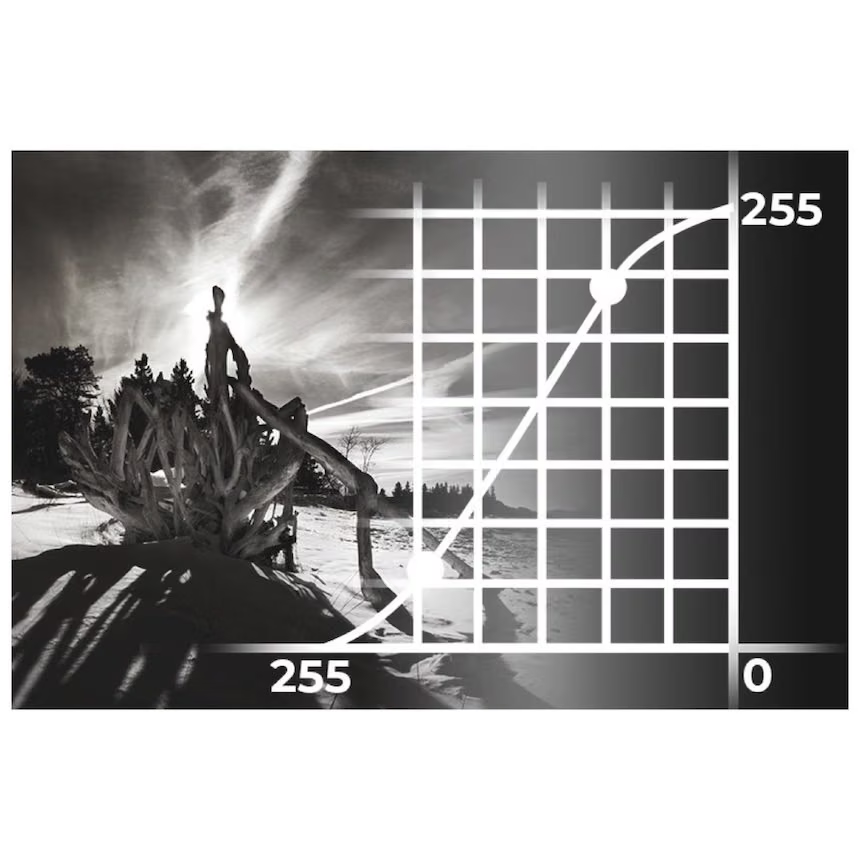
In this tutorial, you'll learn how to make incredible black and white landscape photos.
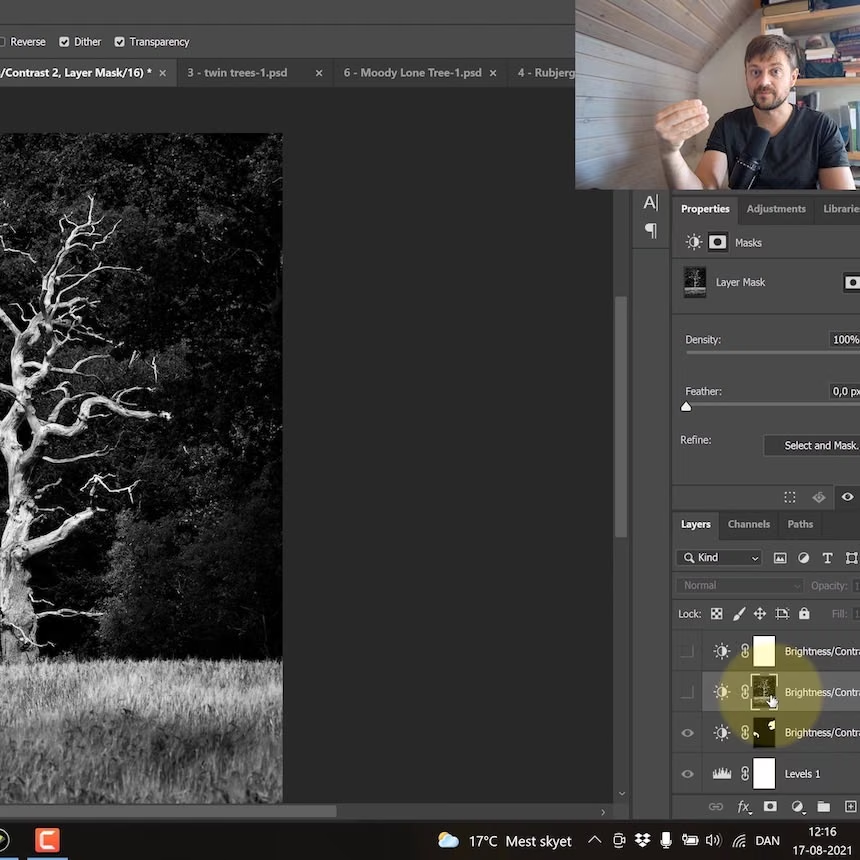
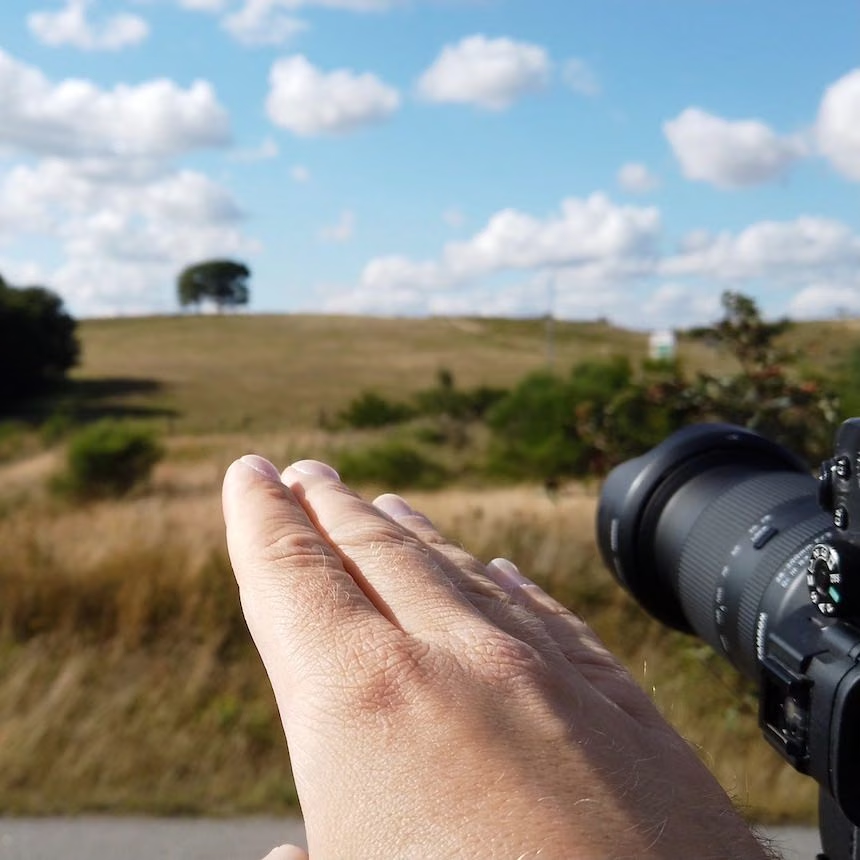
In this tutorial, Mads Peter Iversen arms you with a selection of tools you can use in your black and white landscape photography. He talks about both the philosophy of black and white photography, composition, the use of light, and the perception and interpretation of a black and white converted photo. He also shows how he works in the field, and how to use different editing tools to make your vision come alive. RAW photos are provided, so that you can follow along while he shares his editing techniques.
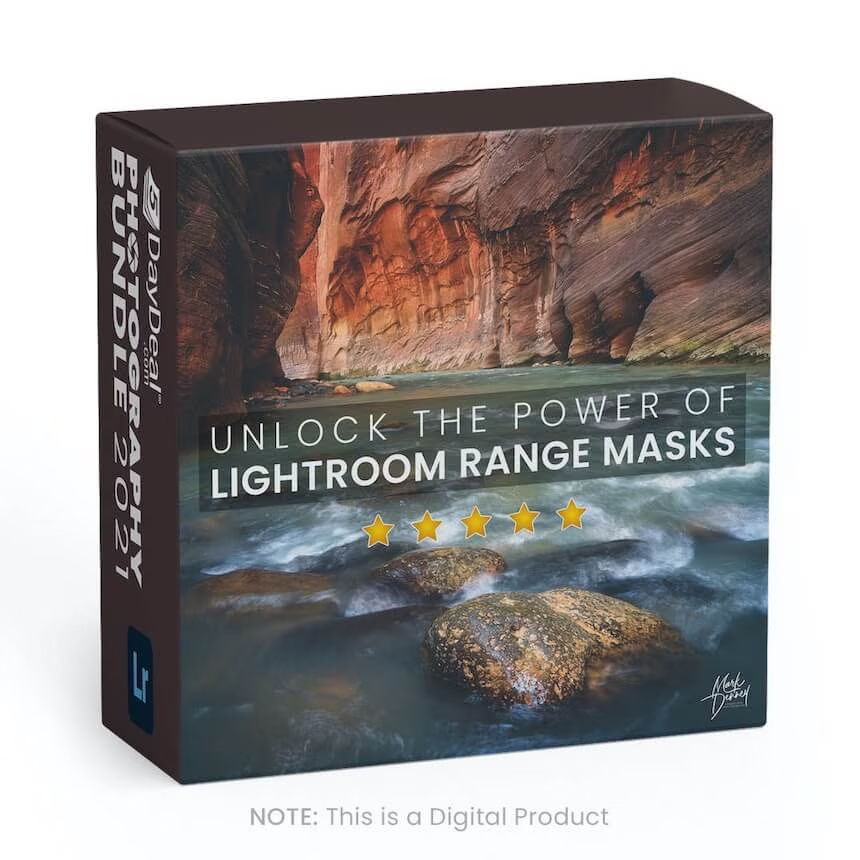
Unlock the Power of Lightroom Range Masks
Create Powerful Landscape Photos

$
49.99
Included in the Main Bundle!
Unlock the Power of Lightroom Range Masks
Mark Denney
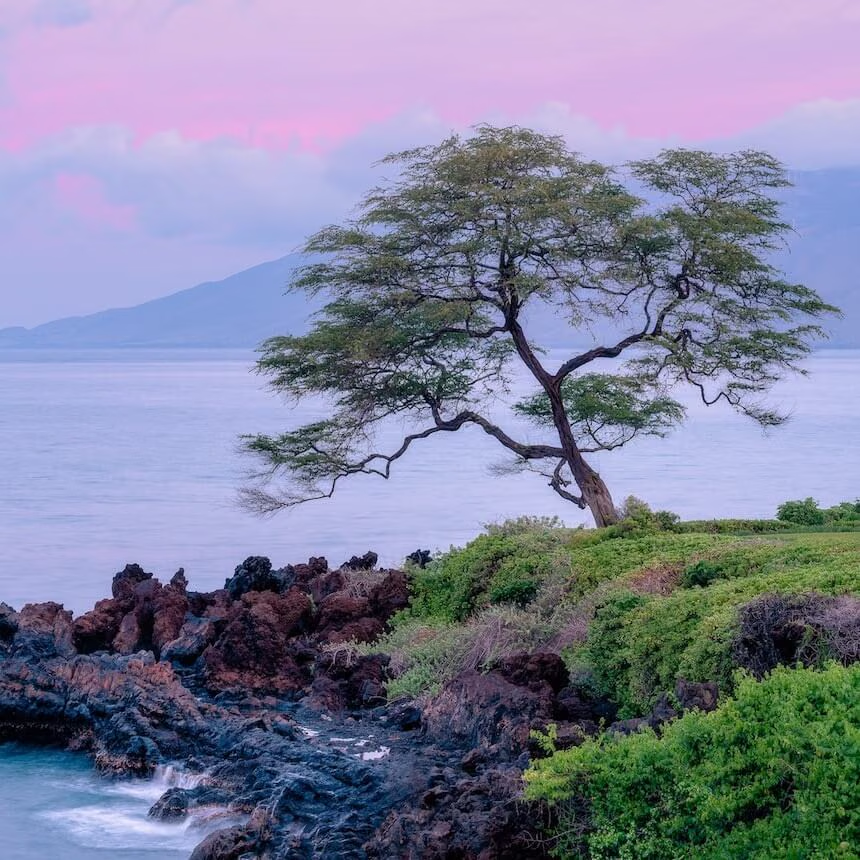
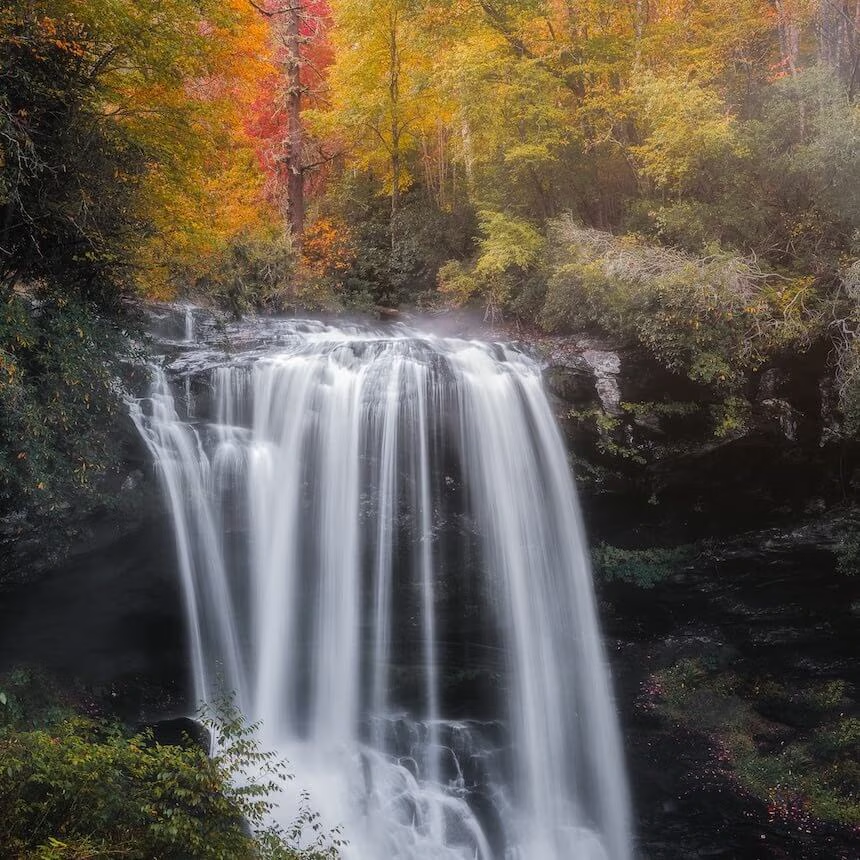
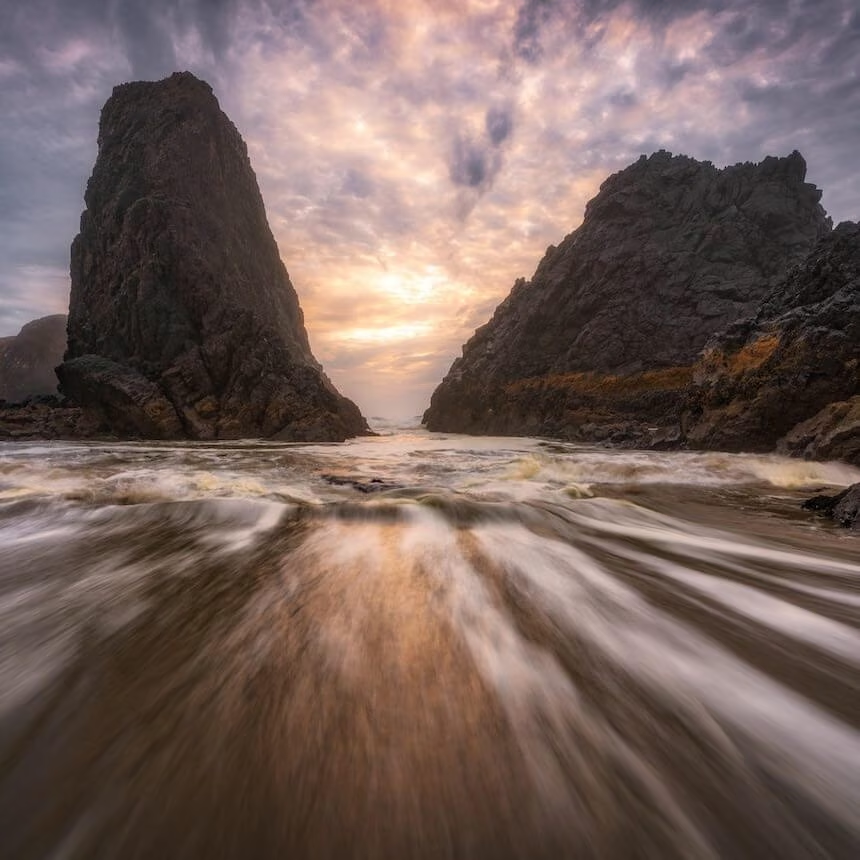
This class discusses the importance of local versus global adjustments and reviews how you can unlock the power of Range Masks.

Perhaps one of the single most powerful and impactful tools within Lightroom is Range Masks. Before the introduction of Range Masks, there wasn’t a way to make highly selective local adjustments inside of Lightroom. This can take your images from good to great! This class discusses the importance of local adjustments versus global adjustments and reviews how you can unlock the power of Range Masks to take your outdoor and landscape photos to an entirely new level.
Simple & Intermediate Object Removal in Photoshop




$
59.98
Included in the Main Bundle!
Simple & Intermediate Object Removal in Photoshop
PHLEARN
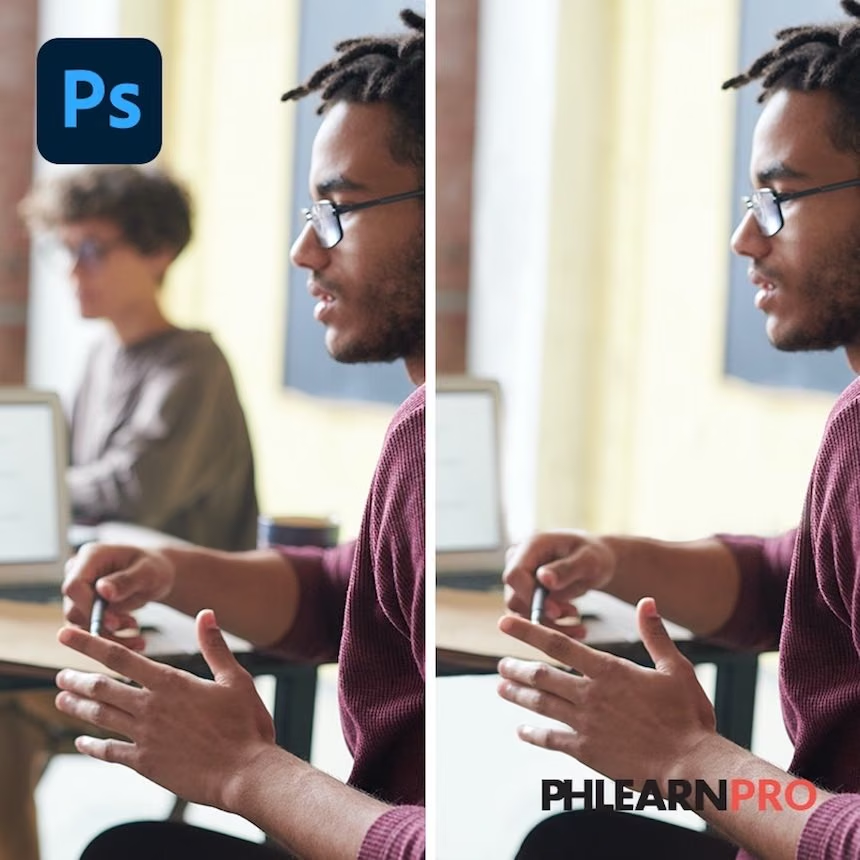
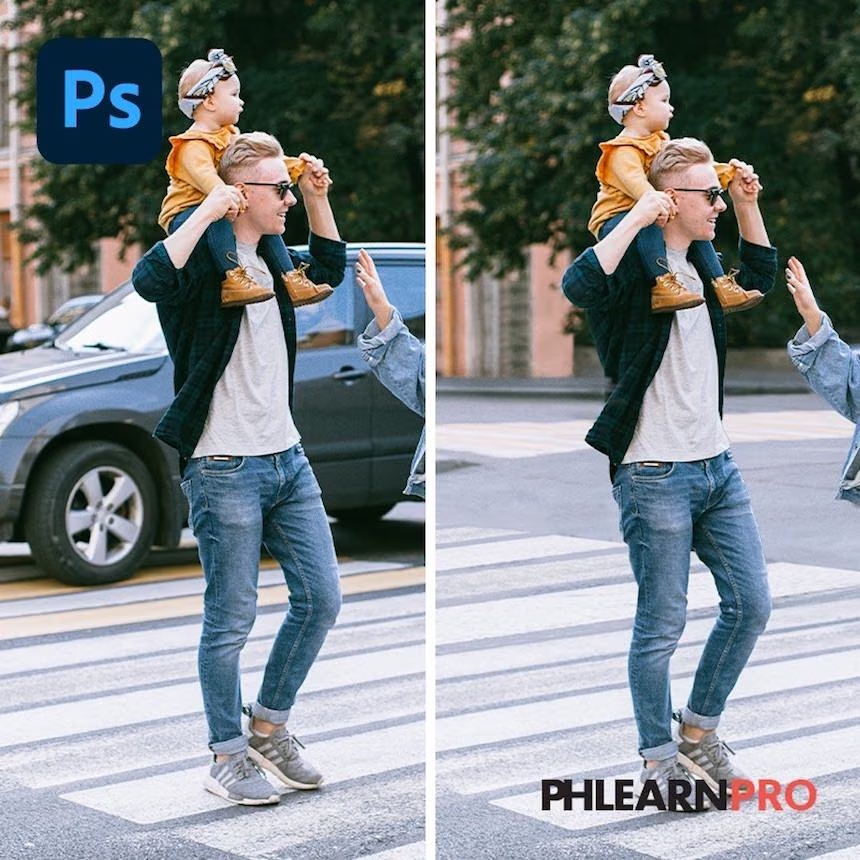
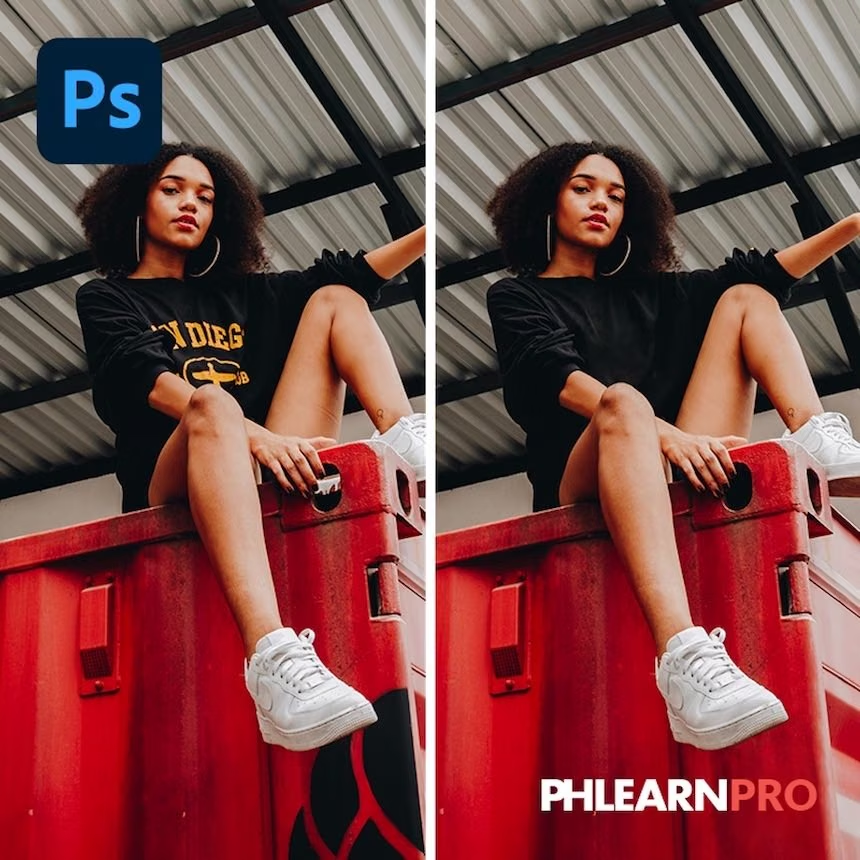
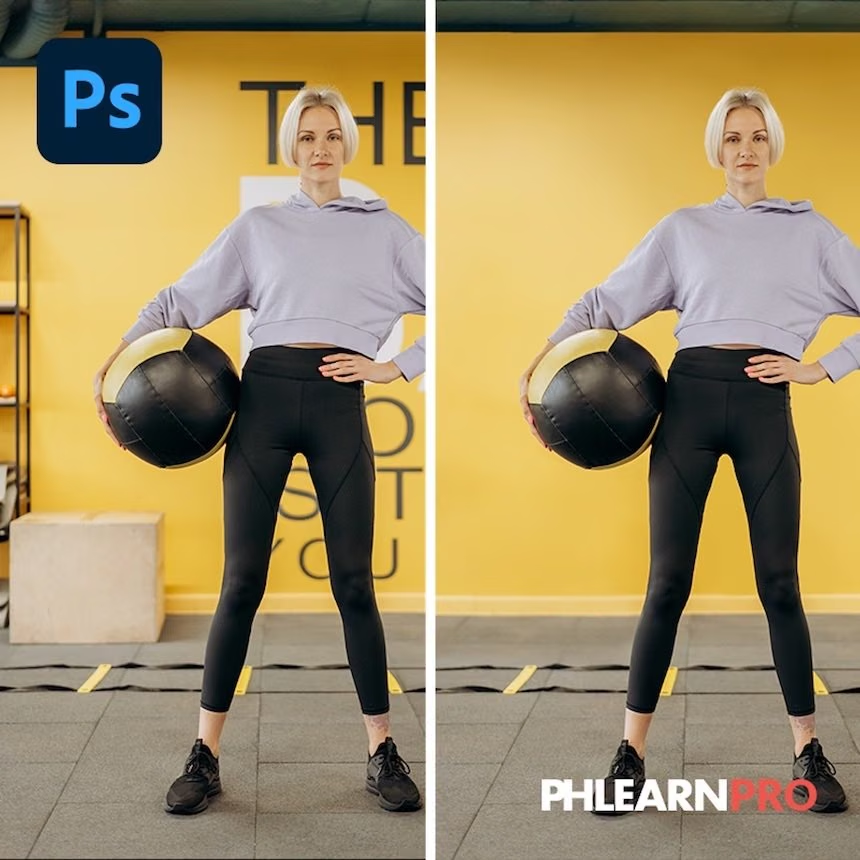
Learn how to use the Healing Brush, Spot Healing Brush, Clone Stamp Tool, Content-Aware, and the Brush Tool to clean up any photo.
Simple Object Removal in Photoshop:
This course tackles the basics of one of the most important Photoshop skills: removing objects and distractions. Learn the most common tools and techniques that professionals use to clean up images and help their subjects stand out.
Intermediate Object Removal in Photoshop:
Learn how to remove objects from busy backgrounds in Photoshop! Recreate textures, patterns, buildings, plants, and other background elements to create a seamless, realistic final image.
Painterly Portraits Photography Course
Masterclass



$
227.00
Included in the Main Bundle!
Painterly Portraits Photography Course
Amanda Diaz
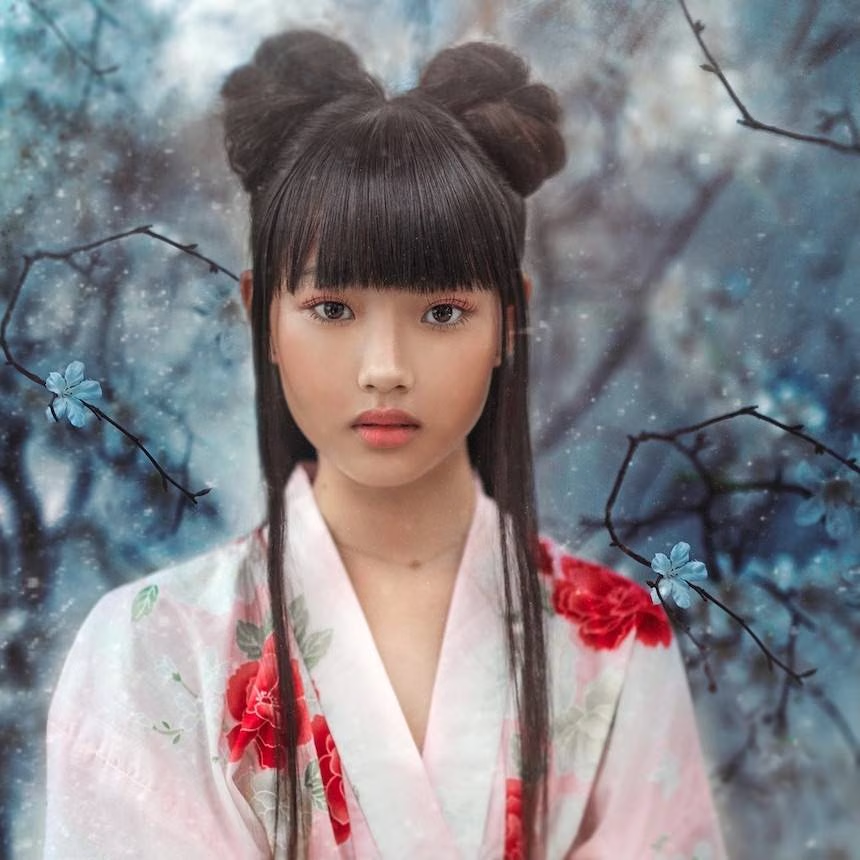
Learn how to create beautiful, painterly styled portraits for your clients & portfolios.

Learn how to illustrate your images with painterly techniques in this course that is for beginners and professionals alike. Influence your work with the art of the old masters while keeping your own personal style intact.
This course shows you step-by-step how to create painterly styled portraits. From the initial shoot, to what kind of lighting to use, Amanda will walk you through the complete process and then take you into Photoshop as she works on images to achieve a contemporary yet old-world character that brings a special artistic element to each photograph.
JD Beautiful World Tints
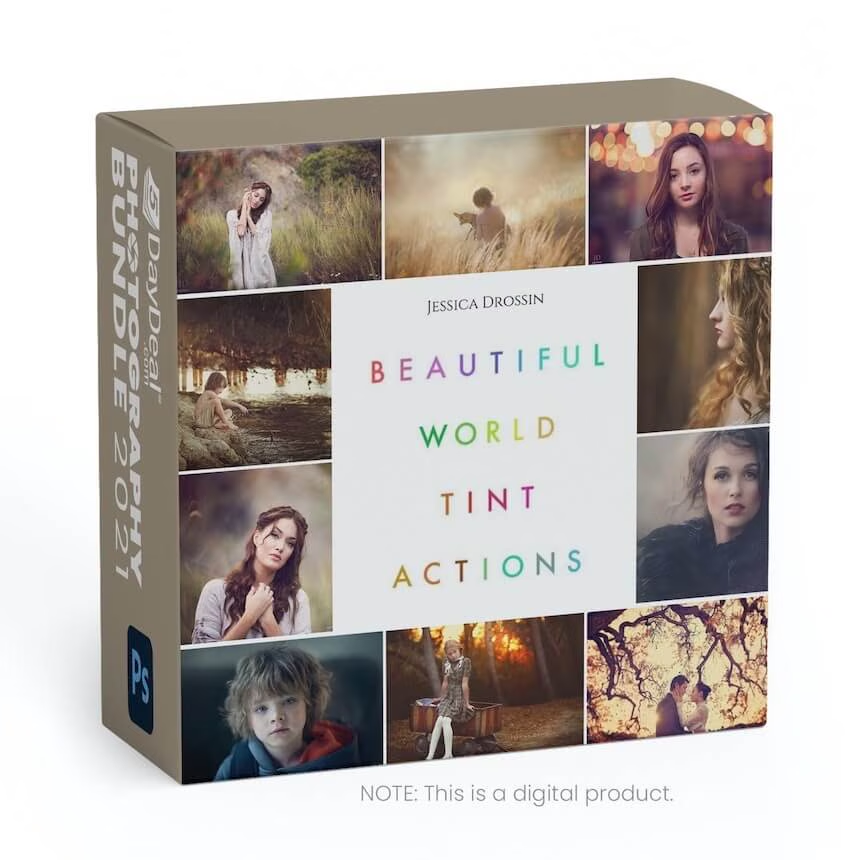
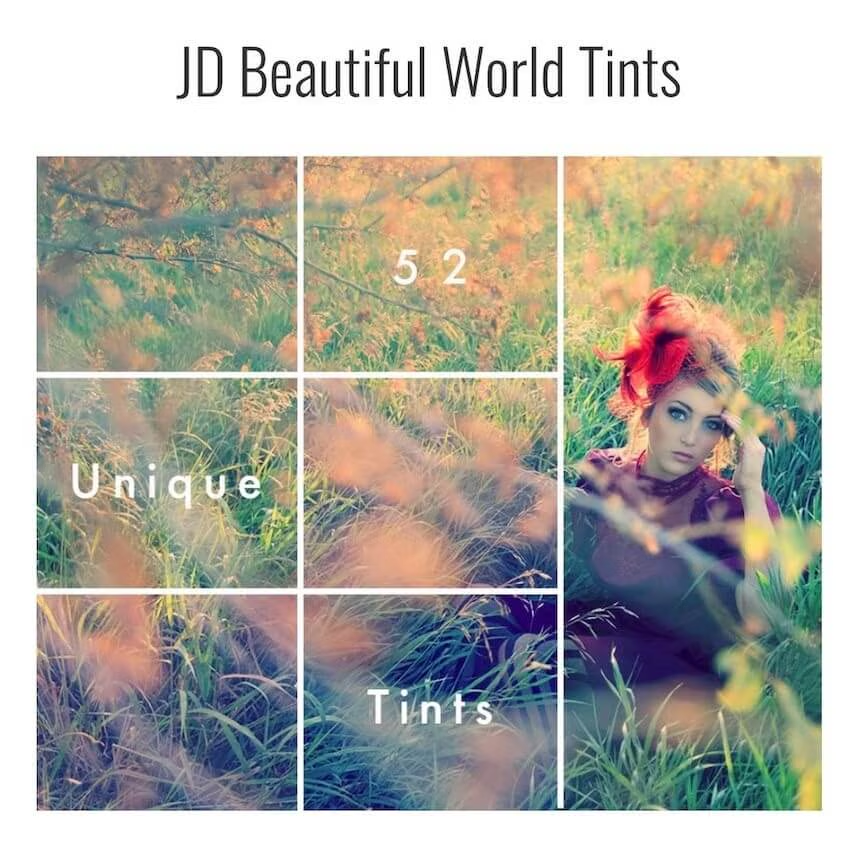
Four Packs | 88 Beautiful World Tints Actions


$
119.00
Included in the Main Bundle!
JD Beautiful World Tints
Jessica Drossin
These Actions can be used at any point in your editing process. They are completely customizable.


The Beautiful World Tints bundle includes Jessica Drossin's 4 different tint packs: Vivid Tints, Soft Tints, Fine Art Tints, & Earthy Tints.
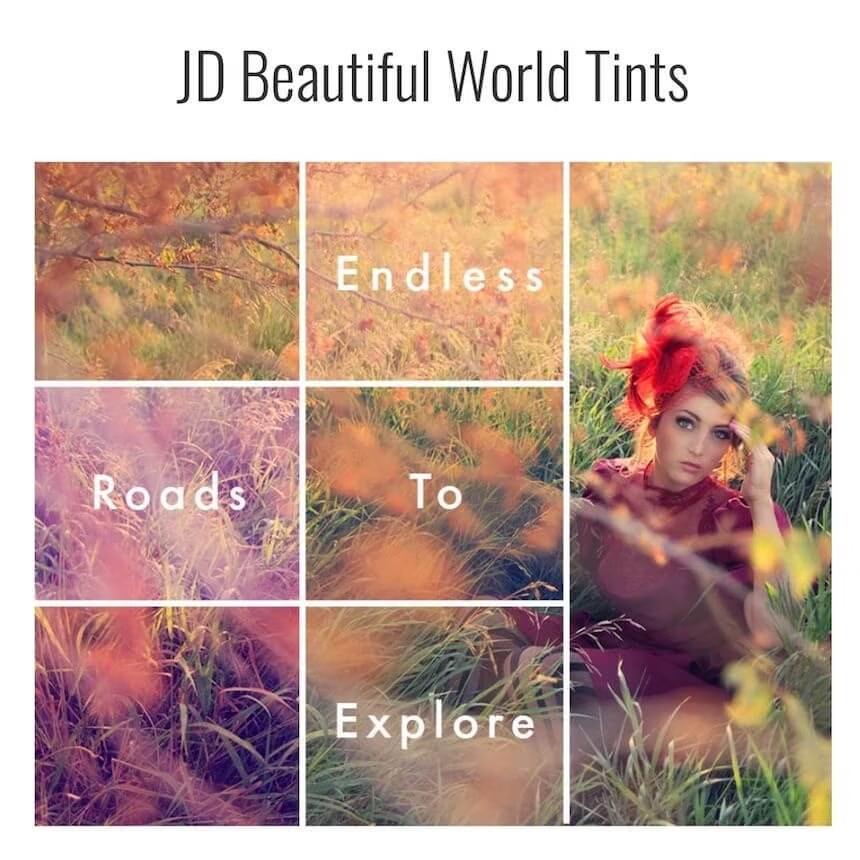
The Beautiful World Tint Actions can be used at any point in your editing process. They are completely customizable and are designed to play well together, forming an endless variety of combinations to gently, or drastically, affect an image’s tone.
Each action in the set is color-weighted, designed to affect images based on the original image’s tones and exposure and to help you get to know how they will affect your photos, I’ve included an Audition and Blend Action in each set that will allow you to quickly preview and blend tones to perfectly customize for your image and editing style.
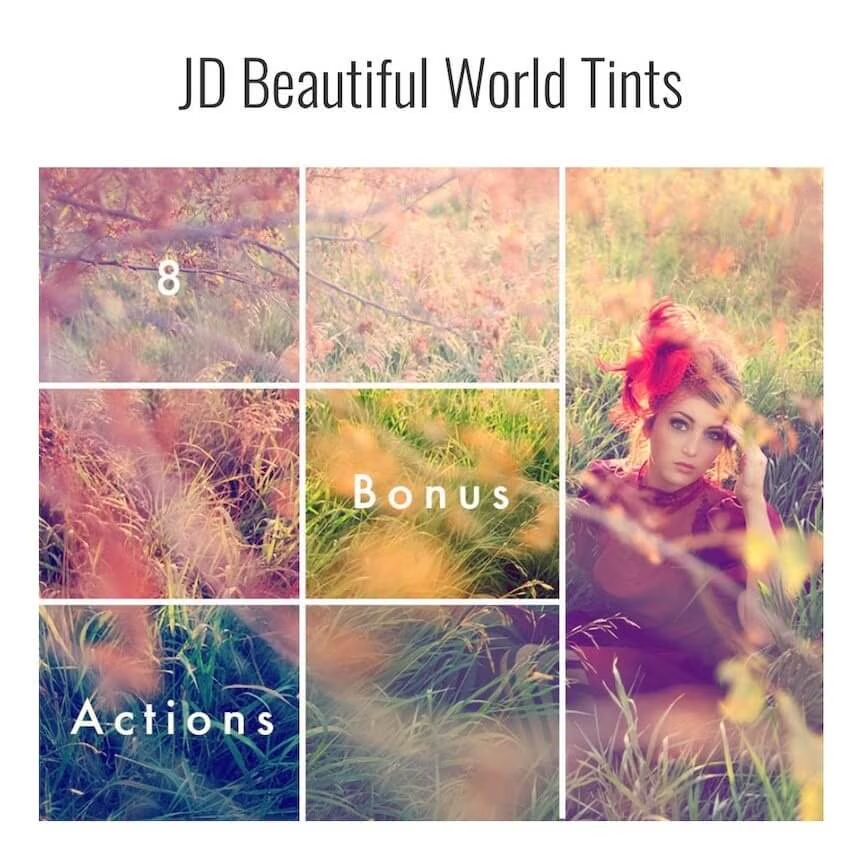
These actions, especially when paired with the Eight Bonus Tint Adjustment Actions, can be used to do all the color edit work on an image. The tints have also been designed to work perfectly in conjunction with the other Beautiful World Components
22 Beautiful World Vivid Tints Actions.
- 13 Beautiful World Vivid Tints Actions. These tints can be used as stand-alone actions, combined with one another, or used in full or lower opacity with other actions to add a finishing touch.
- 1 Audition and Blend Action – helps to quickly preview and blend all tint actions to give you endless customization, fast.
- 8 Bonus Tint Adjustment Actions: Saturate, desaturate, warm, cool, and add contrast at the touch of a button. Should skin tones become too affected by the tints, simply use the Soften Skin Tones Brush to neutralize.
- Easy & Customizable: The actions are all completely stack-able and adjustable. You can alter the opacity or blend and use in combination with other actions to completely customize your tones. Quick to apply, easy to mask, easy to blend, completely undo-able.
Beautiful World Vivid Tints Actions:
• Apricot
• Berry
• Coral
• Crisp
• Greenery
• Ice
• Muse
• Rubine
• Salsa
• So Cool
• Sunny
• Taboo
• Tangerine
Bonus Tint Adjustment Actions:
• Soften Skin Tones Brush
• Tint Contrast
• Tint Saturation
• Beautifully Desaturated
• Cool Highlights
• Cool Highlights Brush
• Warm Highlights
• Warm Highlights Brush
22 Beautiful World Soft Tints Actions.
- 13 Beautiful World Soft Tints Actions. These tints can be used as stand-alone actions, combined with one another, or used in full or lower opacity with other actions to add a finishing touch.
- 1 Audition and Blend Action – helps to quickly preview and blend all tint actions to give you endless customization, fast.
- 8 Bonus Tint Adjustment Actions: Saturate, desaturate, warm, cool, and add contrast at the touch of a button. Should skin tones become too affected by the tints, simply use the Soften Skin Tones Brush to neutralize.
- Easy & Customizable: The actions are all completely stack-able and adjustable. You can alter the opacity or blend and use in combination with other actions to completely customize your tones. Quick to apply, easy to mask, easy to blend, completely undo-able.
Beautiful World Soft Tints Actions:
• Autumn
• Ballerina
• Blush
• Clover
• Cool Breeze
• Frost
• Heirloom
• Iris
• Lilac
• Milky White
• Paprika
• Rose Blossom
• Wintry
Bonus Tint Adjustment Actions:
• Soften Skin Tones Brush
• Tint Contrast
• Tint Saturation
• Beautifully Desaturated
• Cool Highlights
• Cool Highlights Brush
• Warm Highlights
• Warm Highlights Brush
22 Beautiful World Fine Art Tints Actions.
- 13 Beautiful World Fine Art Tints Actions. These tints can be used as stand-alone actions, combined with one another, or used in full or lower opacity with other actions to add a finishing touch.
- 1 Audition and Blend Action – helps to quickly preview and blend all tint actions to give you endless customization, fast.
- 8 Bonus Tint Adjustment Actions: Saturate, desaturate, warm, cool, and add contrast at the touch of a button. Should skin tones become too affected by the tints, simply use the Soften Skin Tones Brush to neutralize.
- Easy & Customizable: The actions are all completely stack-able and adjustable. You can alter the opacity or blend and use in combination with other actions to completely customize your tones. Quick to apply, easy to mask, easy to blend, completely undo-able.
Beautiful World Fine Art Tint Actions:
• Beautiful X
• Butter Rum
• Cool Mint
• Eggplant
• Foreign Film
• Heart
• Mint Julep
• Parchment
• Prague
• Retro Summer
• Sea Shell
• Tribute
• Velvet
Bonus Tint Adjustment Actions:
• Soften Skin Tones Brush
• Tint Contrast
• Tint Saturation
• Beautifully Desaturated
• Cool Highlights
• Cool Highlights Brush
• Warm Highlights
• Warm Highlights Brush
22 Beautiful World Earthy Tints Actions.
- 13 Beautiful World Earthy Tints Actions. These tints can be used as stand-alone actions, combined with one another, or used in full or lower opacity with other actions to add a finishing touch.
- 1 Audition and Blend Action – helps to quickly preview and blend all tint actions to give you endless customization, fast.
- 8 Bonus Tint Adjustment Actions: Saturate, desaturate, warm, cool, and add contrast at the touch of a button. Should skin tones become too affected by the tints, simply use the Soften Skin Tones Brush to neutralize.
- Easy & Customizable: The actions are all completely stack-able and adjustable. You can alter the opacity or blend and use in combination with other actions to completely customize your tones. Quick to apply, easy to mask, easy to blend, completely undo-able.
Beautiful World Earthy Tint Actions:
• Butter
• Dusty
• Ginger
• Gravity
• Honey
• Ivory
• Moonshine
• Mossy
• Overcast
• Pewter
• Rhubarb
• Silvertone
• Terra Cotta
Bonus Tint Adjustment Actions:
• Soften Skin Tones Brush
• Tint Contrast
• Tint Saturation
• Beautifully Desaturated
• Cool Highlights
• Cool Highlights Brush
• Warm Highlights
• Warm Highlights Brush
Glamourana Action Collection & Midnight Fireworks Bundle




$
99.98
Included in the Main Bundle!
Glamourana Action Collection & Midnight Fireworks Bundle
Summerana
Enhance your images with 2 collections including a hair and makeup action collection and real fireworks overlays,
Glamourana Action Collection:
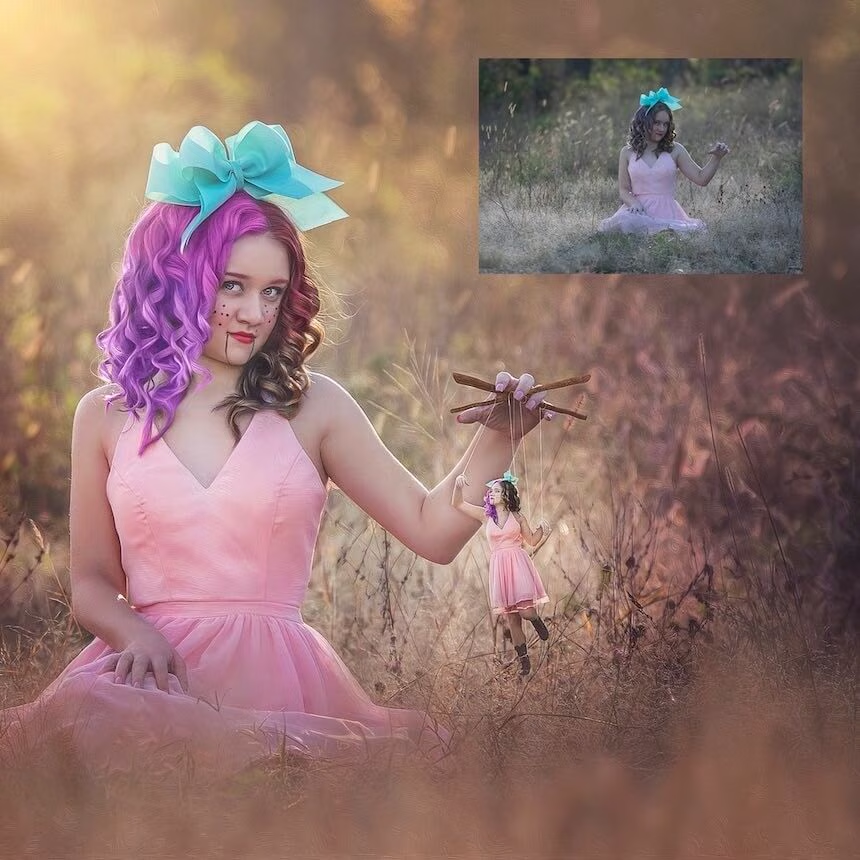
Get perfect makeup and hair using the Glamourana Makeup and Hair Essentials – Photoshop Action Collection and video tutorial.
"With the Glamourana Collection, you have the ability to either enhance, change, or add makeup, hair color, eyelashes, colored contacts, and so much more!
Perfect for your models, boudoir clients, seniors, etc. The Glamourana Collection is your one-stop action collection consisting of over 25 customizable Photoshop Actions.
Included in this collection is the following:
25 Layer Mask Actions including the following:
Hollywood White for a High Key/Fashion look, Matte Powder for oily skin, Foundation, Shimmer, Highlighter, Lip Color, Lip Gloss, Lip Liner, Change Lip Liner Color even if your subject is already wearing lip liner, Blush, Colored Contacts, Luxe Eye Shadow, Deep Luxe Eye Shadow for the perfect smokey-eyed look, Change Eye Shadow Color even if your subject is already wearing eyeshadow, Lush Lashes, either enhance your subject's lashes or add new ones!, Luxe Eye Liner, Change Eye Liner Color, Fill in Eyebrows, Nail Color, Hair Color, Touch up Light Roots (perfect for the blonde peeking through!), Touch up Dark Roots (perfect for your subject's dark roots she didn't have time to touch up!), Lighten Makeup and Hair, Darken Makeup and Hair, Makeup and Hair Color Boost, and 9 Photoshop Tools including web resizing, sharpening for the web, and more for a faster workflow."
Midnight Fireworks Bundle:
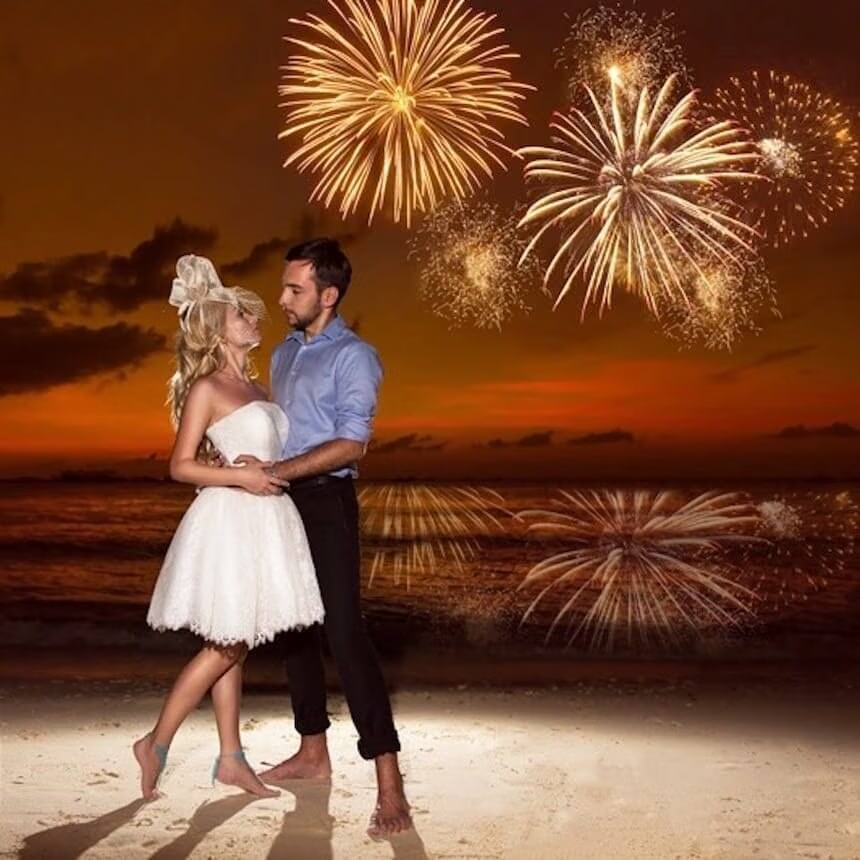
This tutorial will show you how to add firework overlays to your images in Photoshop and Photoshop Elements using Firework Overlay Photoshop Actions.
"Create fun and easy firework composites for your clients with real firework overlays!"
Send your client photos off with a bang with the Midnight Fireworks - Overlay and Photoshop Action Collection! Ideal for all kinds of sessions, weddings, engagements, maternity sessions, birthdays, 4th of July mini sessions, senior sessions, and more. Whatever the occasion is, your clients are sure to shine bright with the gorgeous variety of Firework overlays.
You’ll be able to effortlessly apply your overlays with the applicator actions, turn your photos into nighttime with the night prep actions, edit your fireworks by customizing their color, adding blur, firework glow, etc. and so much more with the included action collection.
In addition, this is a great way to keep both you and your clients safe while still having fireworks present in their photos!
Included in this collection are the following:
- PNG, 300dpi files
- 45 firework overlays
- 22 total firework editing Photoshop actions which include 2 Night Prep actions to turn your photos from day to night and add depth to your images (Night Shade and Firework Nights), a firework overlay applicator action, 6 firework overlay rotator, and perspective actions to help you better customize them to fit your images, 13 firework overlay editing actions such as an action that creates a firework reflection (great for fireworks overlooking the water!), Simmer Down, Shine a little Brighter, Ash White tint, Ember Blue tint, Burnt Sienna tint, Scorched yellow tint, More color, Blur my fireworks, Warm and Cool firework glow, Black and White and more for booming results. Also included are Photoshop helping tool actions including resizing, sharpening for the web, and more for a faster workflow.
This collection is compatible with Photoshop CS2-CS6, CC+ and Photoshop Elements 11-18+"
Florida Skies


$
97.00
Included in the Main Bundle!
Florida Skies
Serge Ramelli
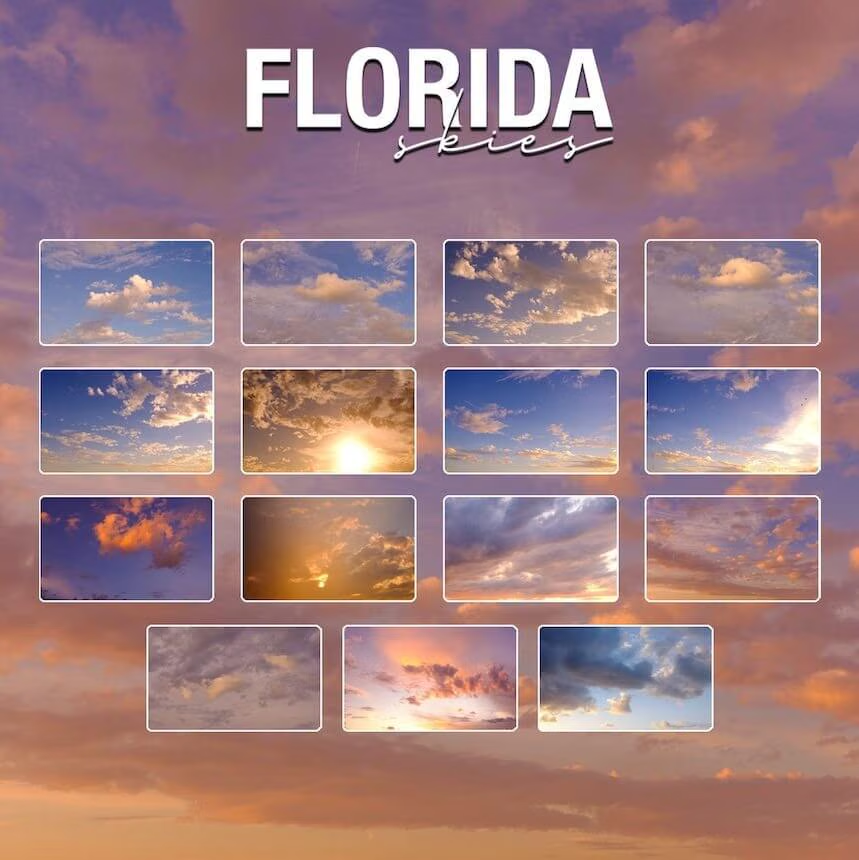
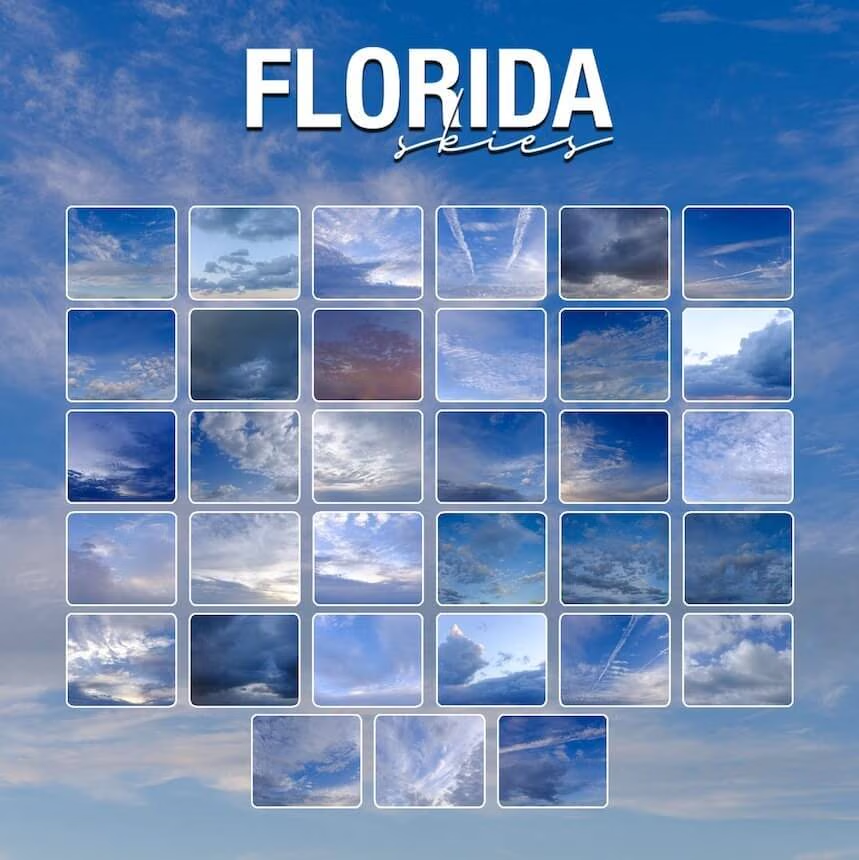
Over 100+ Astonishing Medium Format 8K Skies
"Find Out The SECRET To Getting GALLERY-Quality Photos That All The Pros Keep Hidden In Plain Sight..."
Over 100+ Astonishing Medium Format 8K Skies.
Give your images the dramatic, epic look you really want with a library of over 100+ vibrant, ultra-HD skies.
Choose from four distinctive looks to complete your project: Sunset, Golden Hour, Blue Hour, and Dramatic.
Blue Hour ($67 Value)
Golden Hour ($67 Value)
Sunset ($67 Value)
Dramatic ($67 Value)
Bonus - Florida Skies Training ($97 Value)
Easy Install
Purchase includes an easy to follow, step by step installation video for Windows and Mac.
From Around The World
These collections are built from Serge's actual photos from around the world.
Compatibility
Fully compatible with Photoshop, Lightroom Classic, Lightroom CC, Lightroom Mobile and older versions of Lightroom such as Lightroom 4, 5 and 6.
Blume Wedding Email Templates
Templates To Help Photographers Sell, Streamline, and Solve Objections





$
79.00
Included in the Main Bundle!
Blume Wedding Email Templates
The Blumes
20+ Editable Email Templates to save you time and solve client objections.



Do you find yourself getting behind on editing and other important tasks because you're always replying to emails? OR are you known as someone who never replies to emails because you know it will take away from your work?
Either way, you need to incorporate EMAIL TEMPLATES into your workflow, so you can respond to your clients in a timely manner and still have time to do what you love.
We have included it all in the 20+ CUSTOMIZABLE EMAIL TEMPLATES Bundle that will save you hours of work each week. How do we know? Because it's what we use in our studio, and it saves us hours of work each week! Whether communicating with clients, parents, or vendors; if it's for a wedding, it's in there and ready to use.
Nature Love Presets
Lightroom Presets


$
69.00
Included in the Main Bundle!
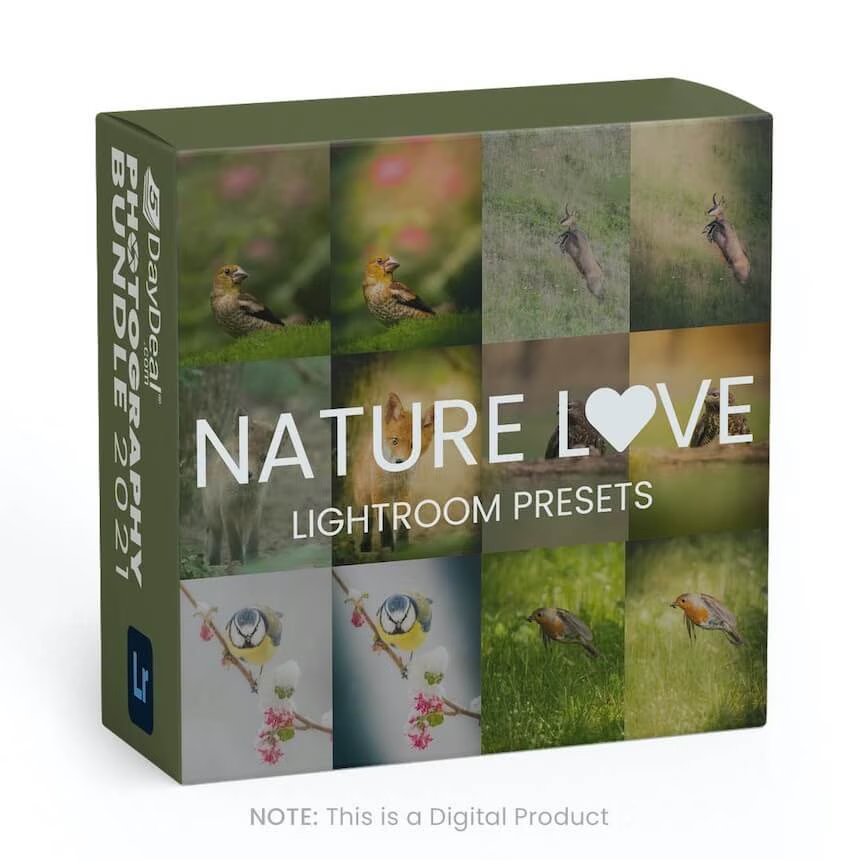
Nature Love Presets
Gamander López
Gamander has edited over 3000+ photos and will give you the tools he uses every day to transform his RAW images into his specific look.


*What’s included: *
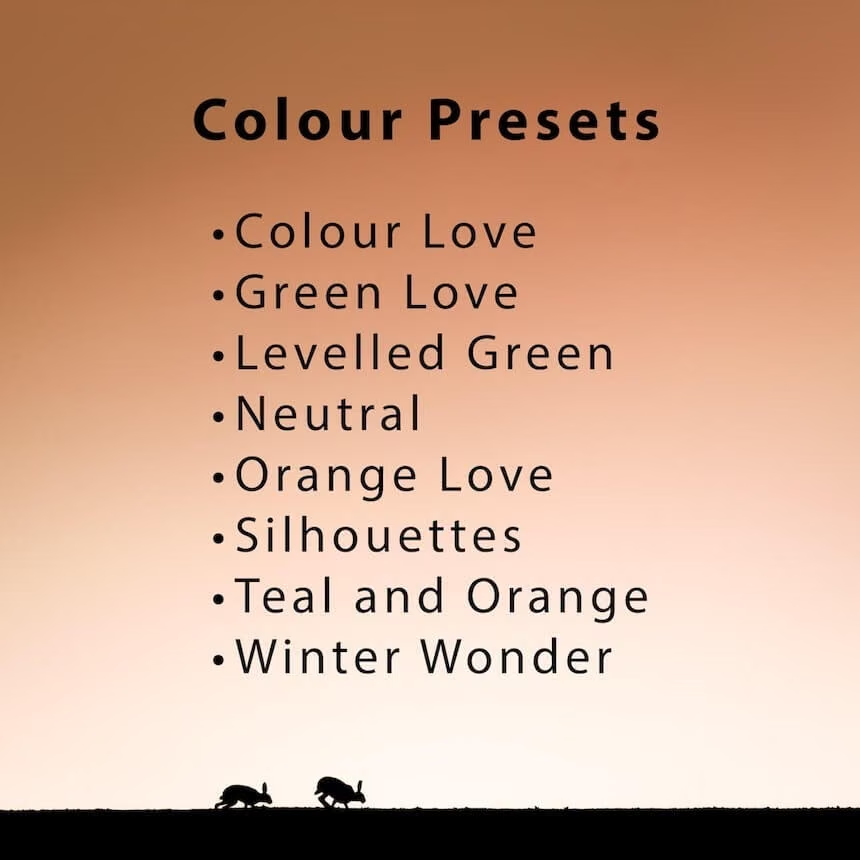
- 8 Colour Presets for different scenarios which offer a unique look
- 10 Local Adjustment Presets which can completely transform your images
- 45min of Video Tutorials to help you master the tools you will get
- My Original Image Files so you can follow each step of my workflow
*What’s important to know: *
- These Presets are for Desktop use only and preferably on RAW Files
- Lightroom Classic Version 9.0 or newer is required
Composition Made Easy Chapter 3
Form & Flow

$
59.00
Included in the Main Bundle!
Composition Made Easy Chapter 3
Gavin Hardcastle
Practical advice that you’ll find both illuminating and inspiring.
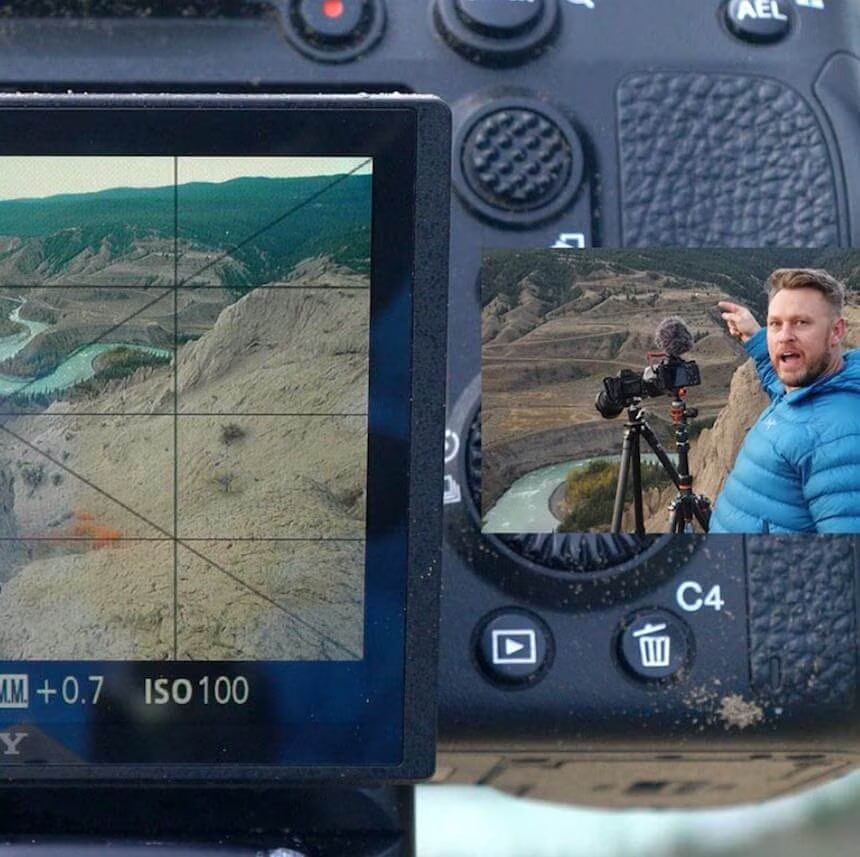
With ‘Chapter 3 – Form & Flow’ Gavin shares with you his philosophy and ideals, his desires and challenges, and how he fulfills and overcomes them all. As always, you can rely on his no-nonsense, practical advice that you’ll find both illuminating and inspiring.
This chapter consists of 5 practical videos (totaling 34 minutes) that show you exactly how Gavin deconstructs his thought process while shooting in the field. You can easily recreate all of the steps that he demonstrates while you’re out shooting your own images.
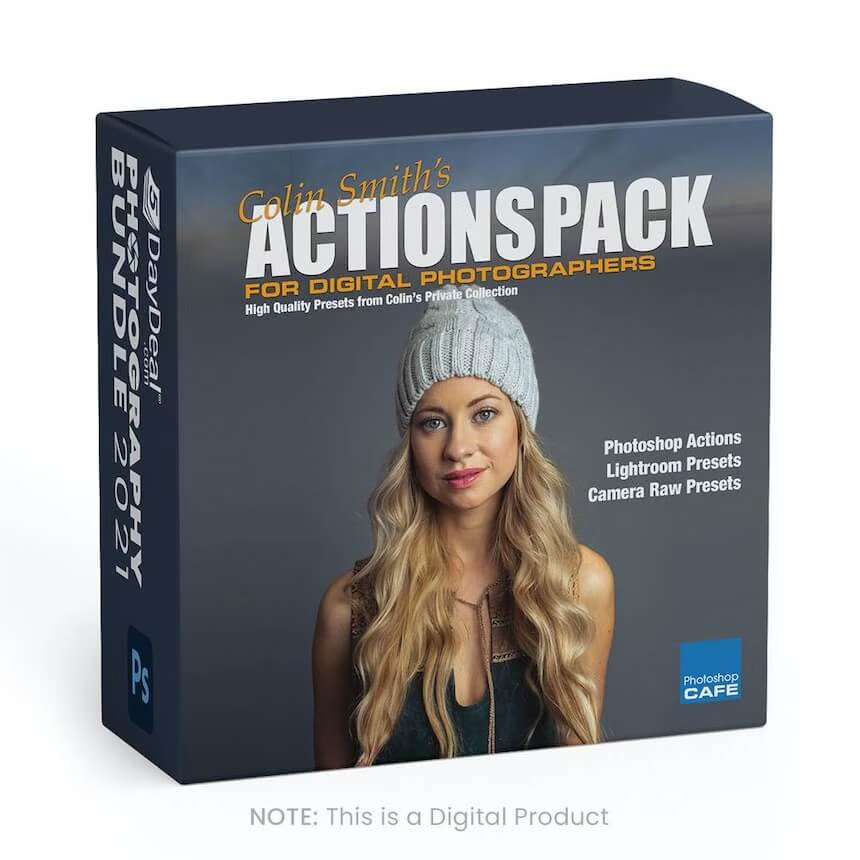
Colin Smith's Action Pack
High Quality Presets and Actions for Photoshop and Lightroom

$
99.99
Included in the Main Bundle!
Colin Smith's Action Pack
Photoshop CAFE
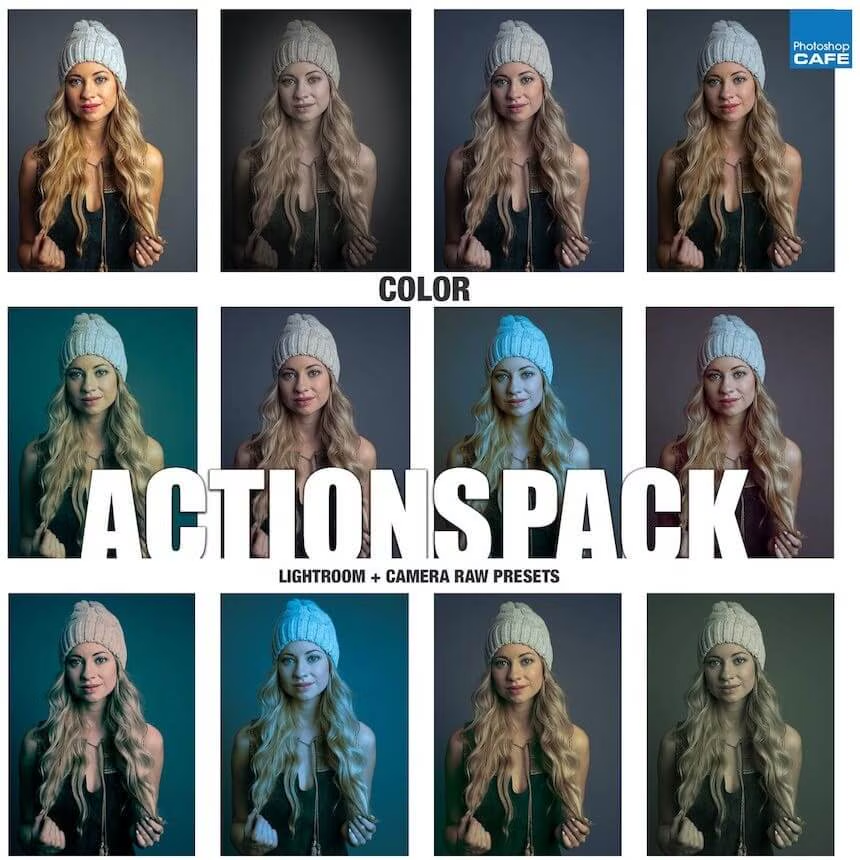
Add high-end color grading and effects to your images in a single click. Includes 42 Photoshop actions & 42 Lightroom Camera RAW presets.
Professional Color Grades and Effects at your Fingertips!
Stunning Results in a Few Seconds
For the first time ever, one of the top Photoshop and Lightroom experts offers his private collection of presets to the public!
Apply the coolest and hottest special effects to photos in a few seconds. Using Colin’s Actions from his private collection you benefit from 20 years of experimentation without breaking a sweat. Now you can apply different looks to your photos quickly. Get more productive and creative than ever.
To use the actions, simply open your photograph… choose the action… click PLAY… and Photoshop will do the rest. In many cases, layers and masks are added so you can tweak the results, because we know as well as you do that no two pictures are identical. In Lightroom/Camera Raw it’s even easier. Click the preset and the photo instantly changes to take on the new look.
These actions and presets have been freshly updated for the Latest versions of Photoshop 2021 and Lightroom Classic.
42 actions
42 presets
Video and PDF installation guide included.
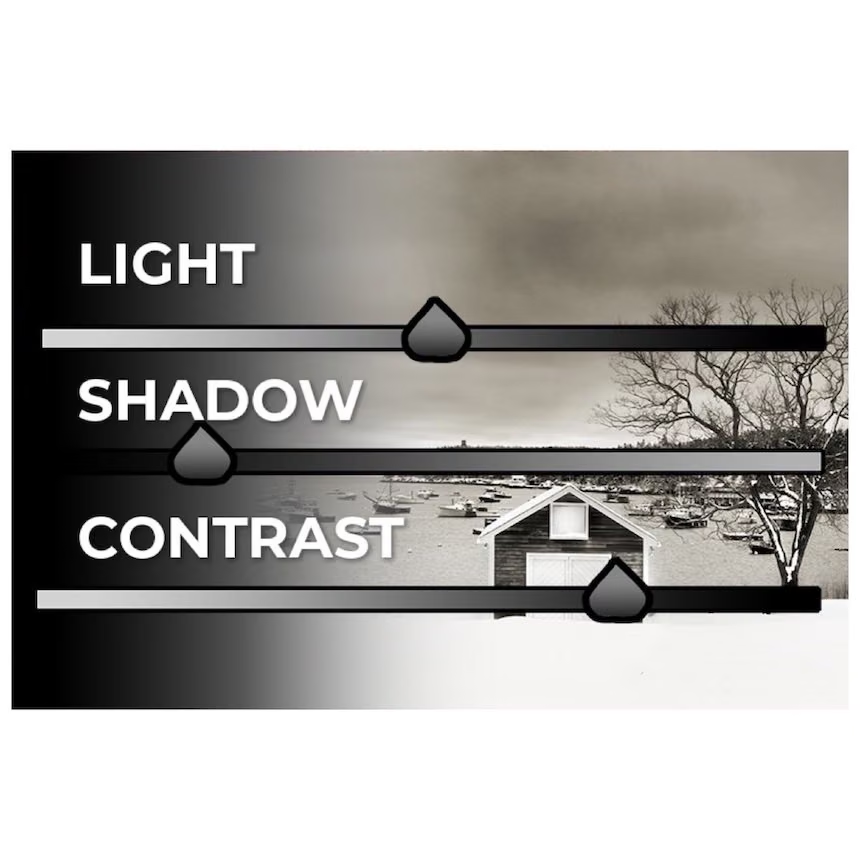
Light and Shadow
Advanced Dodging and Burning in Lightroom and Photoshop




$
129.00
Included in the Main Bundle!
Light and Shadow
Christopher ODonnell
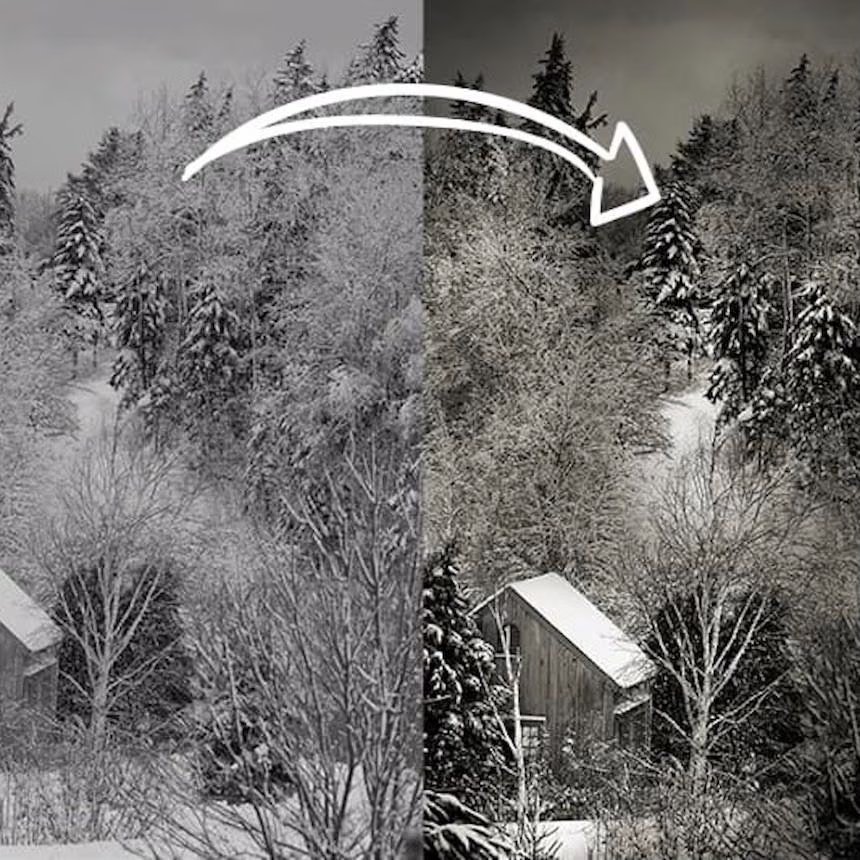
Learn how to expertly sculpt light and shadow through advanced dodging and burning techniques.
If there’s one thing you could do right now to greatly improve the quality of your photographs, it would be to learn how to PROPERLY use Lightroom and Photoshop to strengthen contrast, detail, and texture…hands-down.
And the best, tried-and-true method for shaping the light and directing the eye through your frame is by dodging and burning. When done correctly, this workflow can greatly transform both the quality of your composition and the clarity of your detail and texture.
In this brand-new program, Chris will walk you through advanced-level workflows for dodging and burning landscape photographs, as well as several of his specialized creative techniques to enhance detail and texture.
This will not only greatly expand your imaginative skills as a photographer, but enhance your technical skills in the digital darkroom.
1 Year VAULT Membership


$
48.00
Included in the Main Bundle!
1 Year VAULT Membership
Creative Highway™
5DayDeal® VAULT by Creative Highway™ provides unlimited access to any of your streaming & download courses hosted on Creative Highway from 2020 and beyond. Log in anytime and from anywhere in the world.


Note: VAULT ensures automatic access to all streaming & download courses included in the 2021 Photography bundle for 1 year, but ONLY purchasers of prior bundles will receive access to materials from those bundles.
With the VAULT membership, purchasers of any 5DayDeal Bundle from 2020 and beyond will have access to ongoing streaming access or can choose the option to download the downloadable courses at any time in the future for as long as their membership is active. This means, if you purchased the 2020 Photography Bundle or either the 2020 or 2021 Video Creators Bundles, you will have EVEN MORE TIME to make your way through those resources before they disappear.
Here’s everything you get with VAULT
- Reassurance of knowing, if your computer crashes or you can’t remember your password to the cloud, you can **re-download **any of your downloadable courses from the 2021 Photography Bundle or ANY of the previous bundles you may have purchased from 5DayDeal EVER.
- The means of returning to 5DayDeal courses you may have streamed since 2020, but need refreshers on.
- The gift of time: chances are, you have probably advanced a lot since last year at this time. This means, there may have been courses in the 2020 Photography Bundle that may have seemed too advance in the past, but you are now ready for. VAULT will give you will have the opportunity to dive into them as they become relevant to your experience!
- Continued Customer Support (oh, and our support team is amazing)!